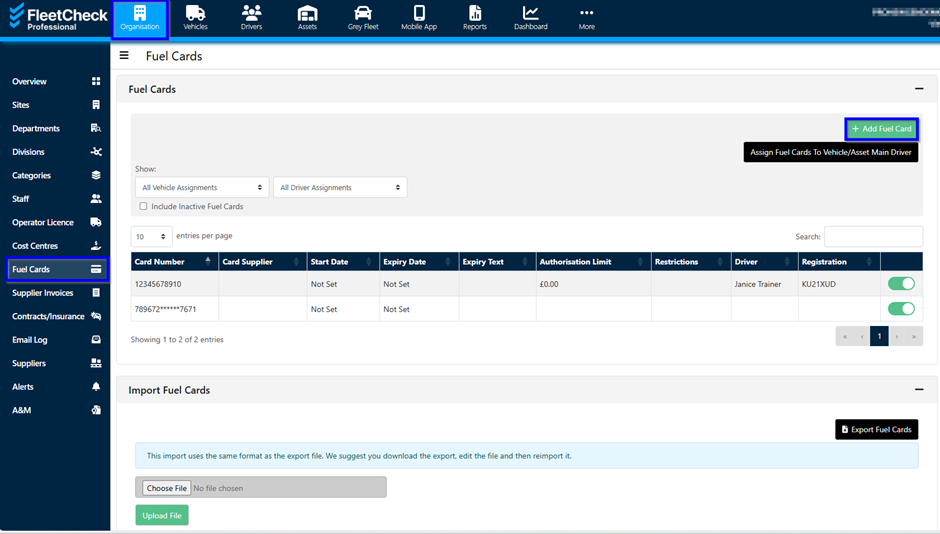
We have a fuel card area that resides within our vehicle section on the system. Located on the secondary menu underneath the ‘Organisation’ tab, Fuel Cards allows you to 'Add a Fuel card', ‘Import Fuel Cards’ and 'Assign fuel cards to Vehicle main driver'.
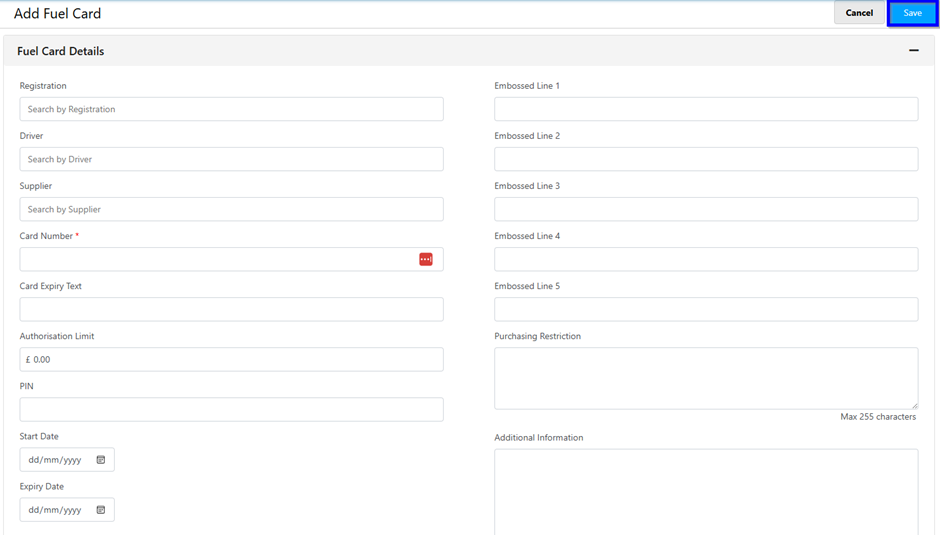
When you add a fuel card you can see the Fuel Card details, Authorisation Limit etc.
Within the fuel card section, you can also disable the cards and have visibility of expired cards and duplicate fuel cards.
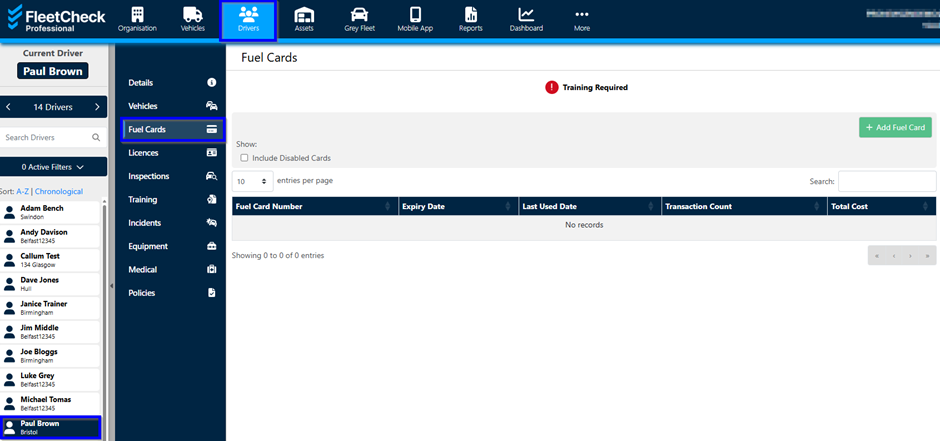
You are also able to view the fuel card underneath your driver details