There are many settings for HGVs and their safety inspections which can be changed within ‘Settings’ and then the ‘HGV’ tab.
If your HGVs have a fridge or a tail lift, you can enable the specific tabs for these within this page.
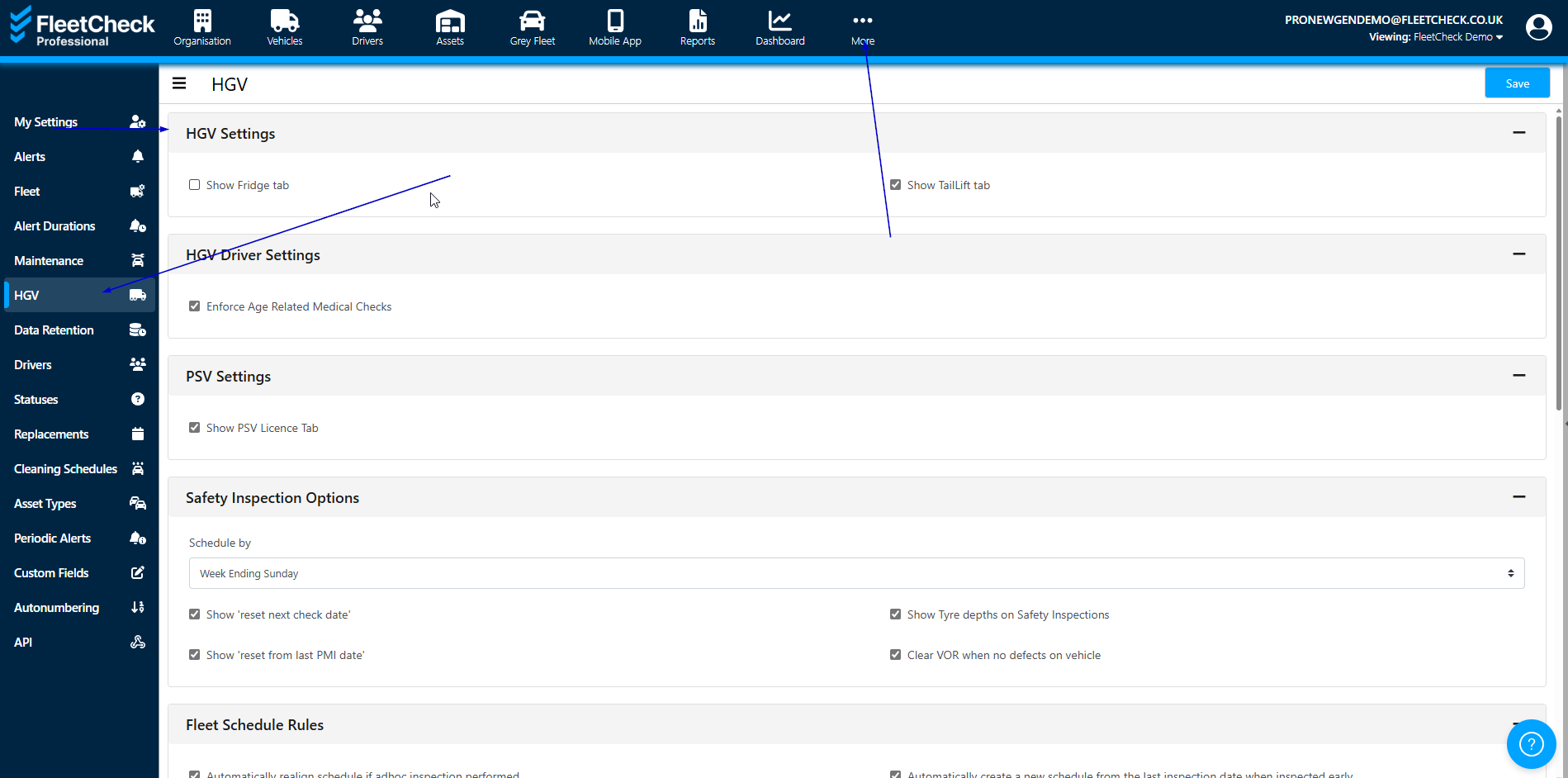
To have the fridge tab, not only do you need to ensure the option is ticked within the HGV Settings area but you also need to ensure it is ticked within the Key Dates - General Dates area against the vehicle in question -
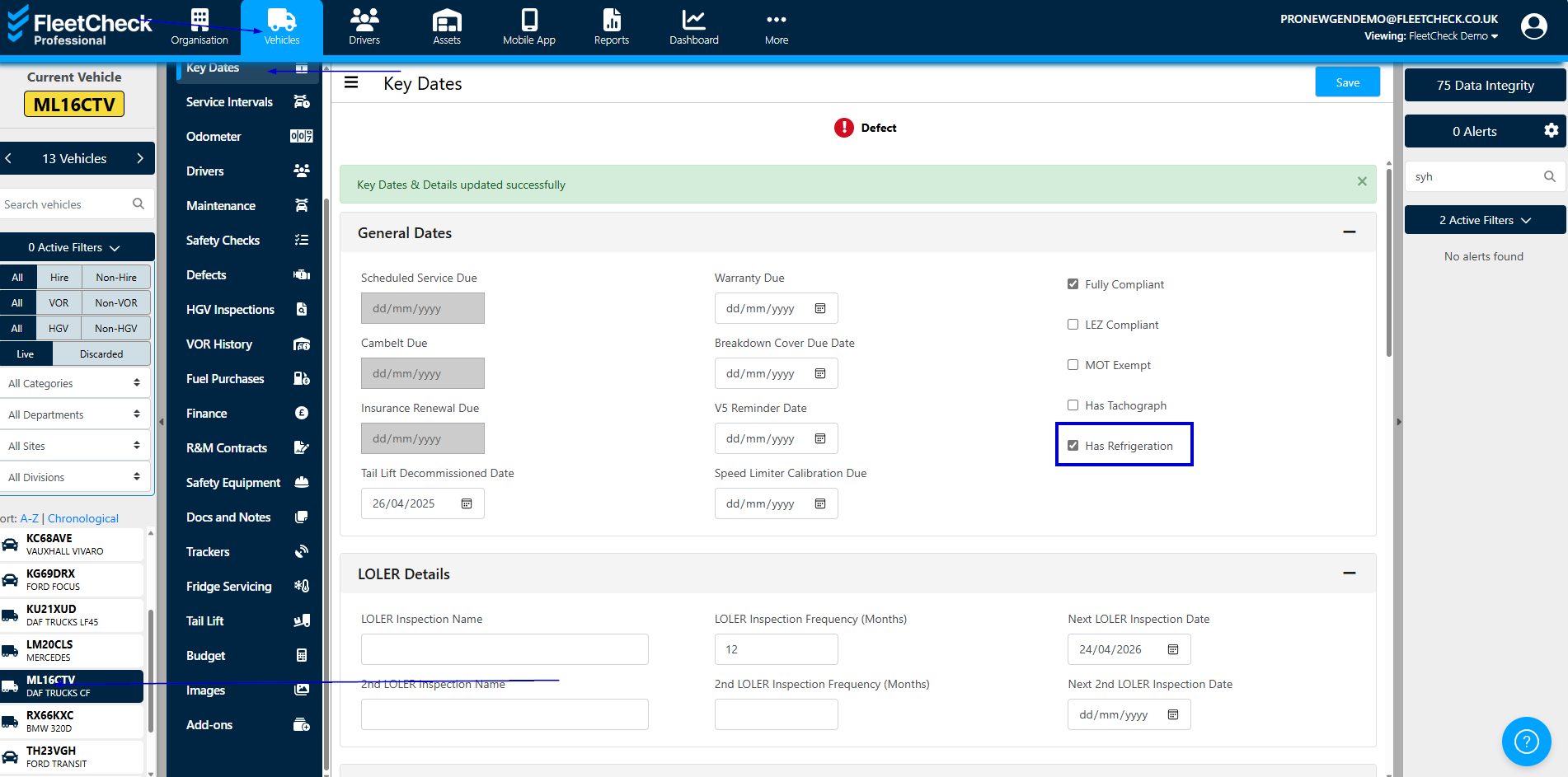
If you enable this section, you will have visibility on the left hand side menu of the screen when you are in a HGV
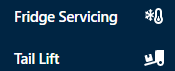
The ‘fridge’ tab will enable you to add fridge servicing/calibration and set alerts on the HGVs within your fleet.
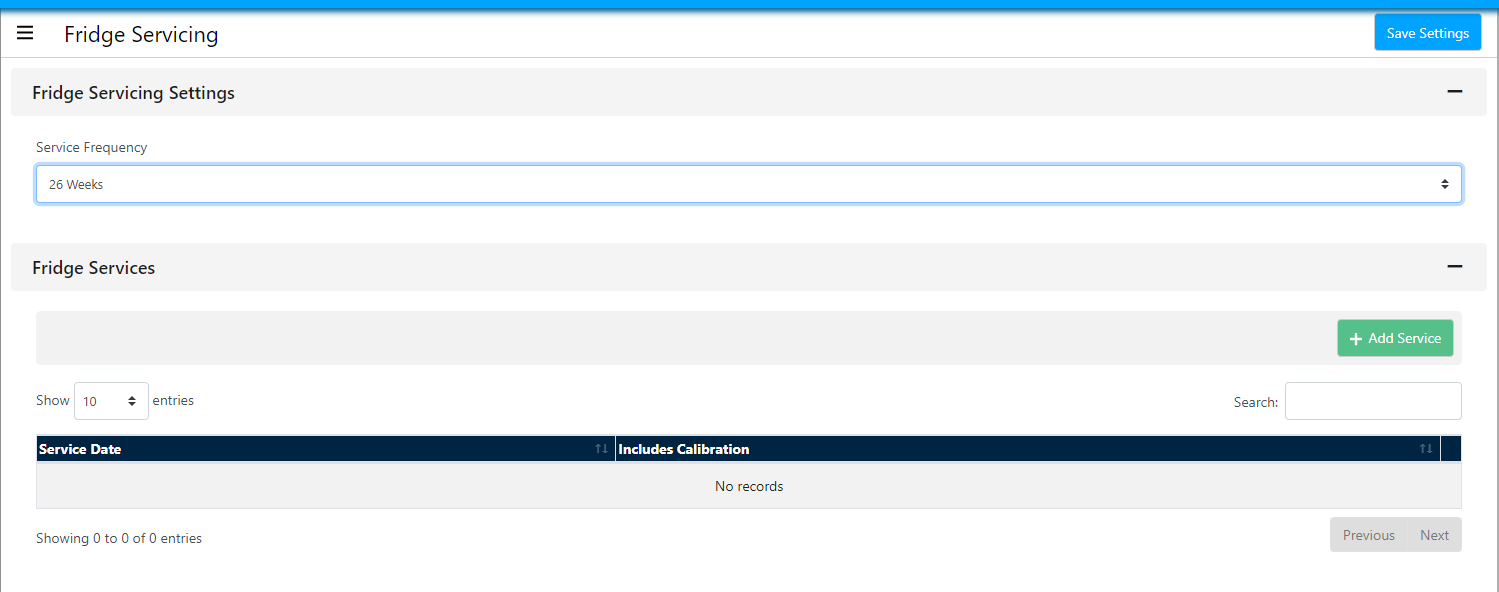
Simply by selecting the frequency in the drop down for the Fridge servicing you will start to received alerts for your refrigerated vehicle.
To add a Fridge Service, enter on the required area and complete the below

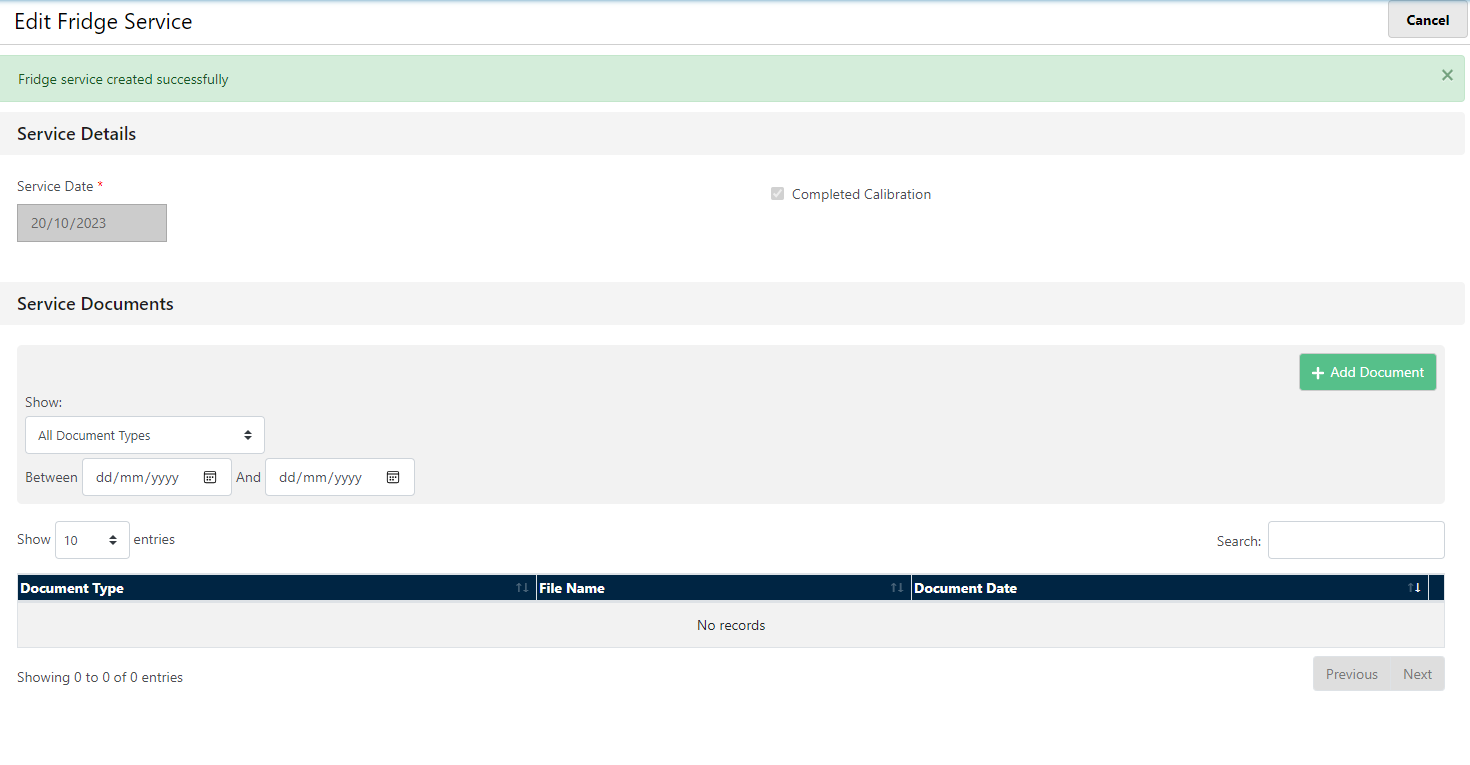
this will then take you through to the completed area of the fridge service, where you can edit and upload any documentation relevant to that service
this will then trigger future alerts depending on the time frequency selected.