Our FORS customers have access to a number of reports which have been built specifically for FORS requirements. These reports will only show the vehicles in scope of the accreditation within the ‘FORS’ section.
You can access the FORS reports by going to ‘reports’ on the top menu bar -
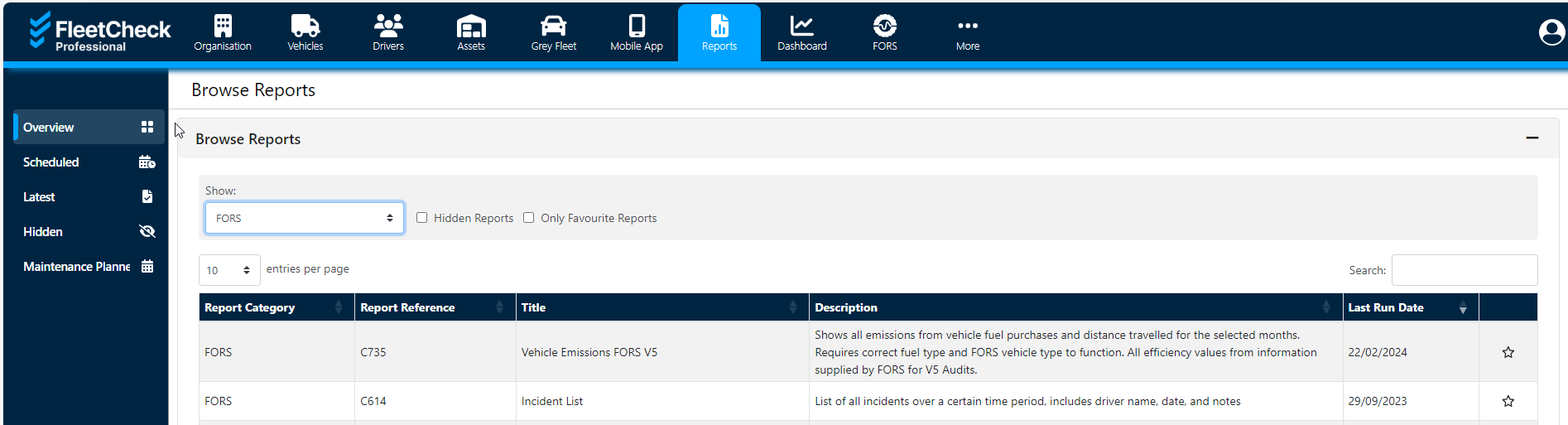
Under the category dropdown, you will be able to select ‘FORS’.
Once you have selected the FORS category, you can then choose a report to generate and download. Some reports may require additional information to be generated such as dates.
You are able to use other reports within the reports database but they may include all vehicles rather than just the vehicles included within your audit.