If you have an Electric Vehicle, you are now able to view and store the Electric Vehicle charge information on the system.
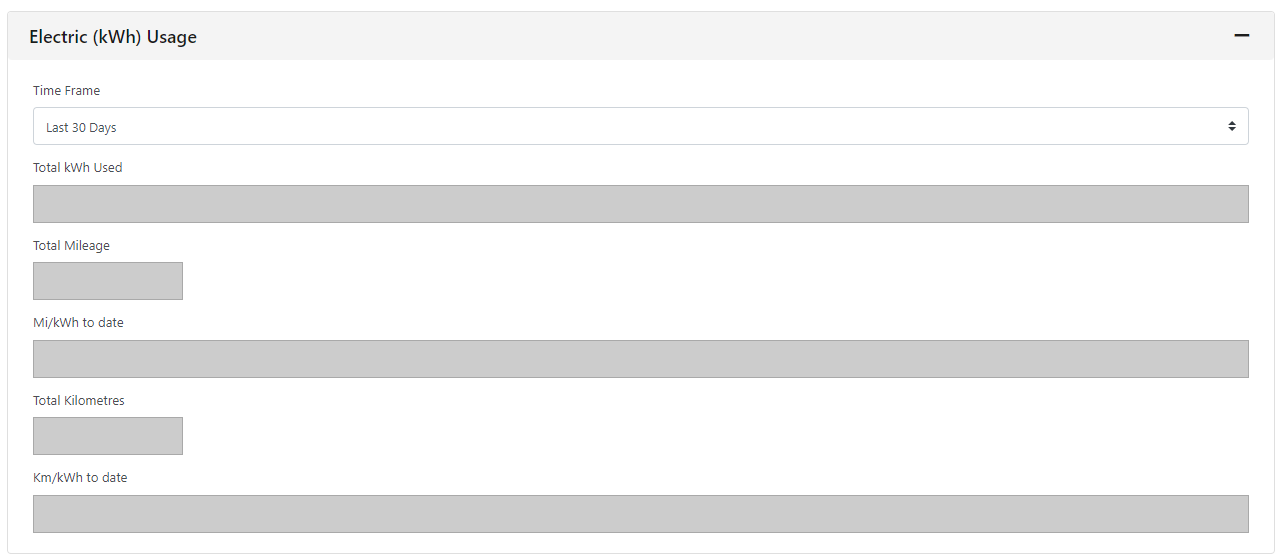
This will give you an average kWh usage figure, similar to a mpg figure.
This tab will only show if you set the vehicle fuel type as a BEV, FCEV, HEV and PHEV.
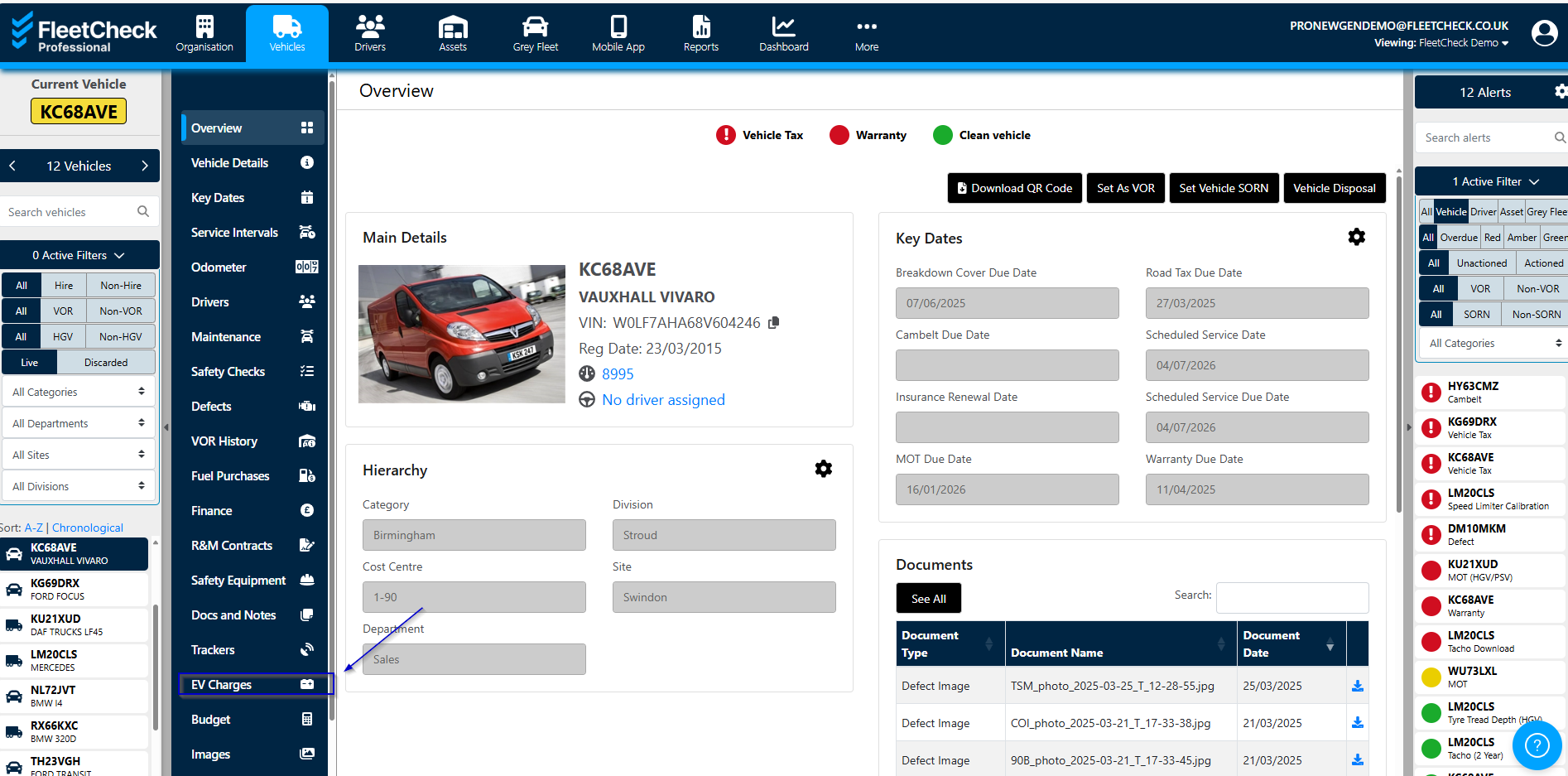
To set up the EV Charges area on the software, select the vehicle in question on the left hand side, then its EV Charges on the vertical menu
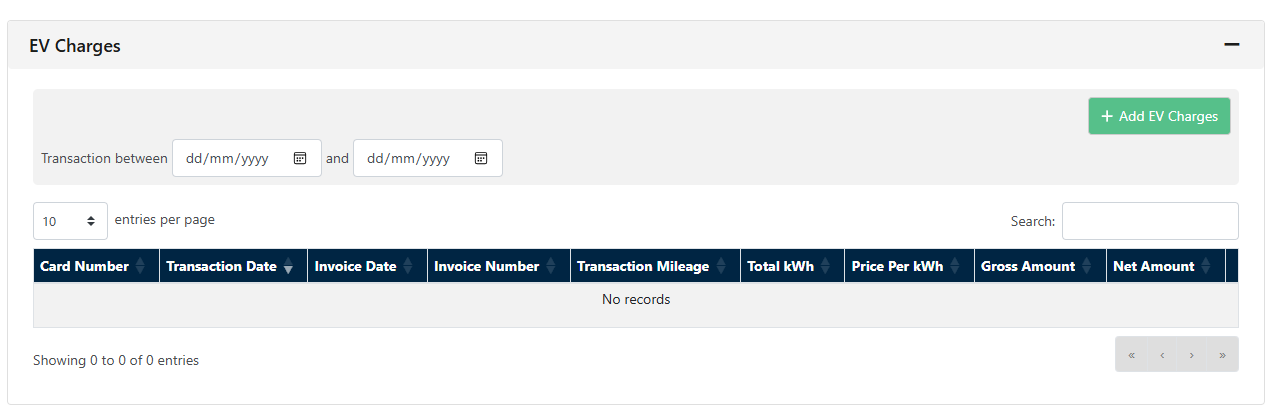
To add an EV charge to your fleet details, select Add EV Charge:
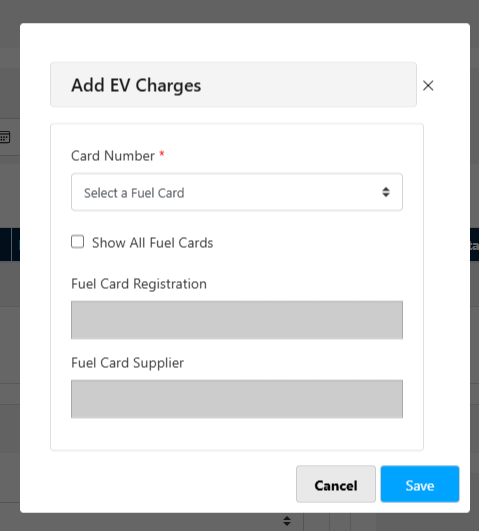
This will then bring up the Add EV Charges pop up
Once added, you are then able to view the information by a Timeframe giving you information like Mi/kWh.
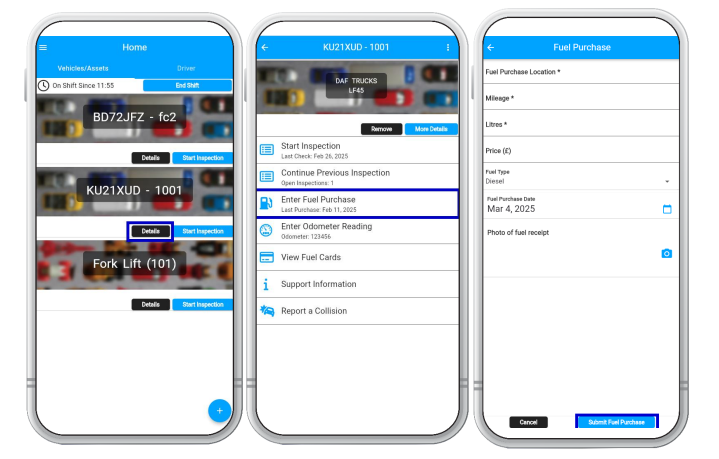
If you are using our Professional package you are also able to add the EV Charges via the app.