Document redirect is designed to place the documents sent in by your suppliers in the correct area.
As a standard when sending a document to the system, we ask for the vehicle registration/driver name and document type however, if you have suppliers sending documents this may not be possible and this is where document redirect will help.
For example, your supplier may send PMI sheets into the system with a generic email subject, you can set the subject of the email and allocate where the document should go.
This can be managed via the ‘Documentation’ section on the right-hand side and then under the ‘Document Types’ tab.
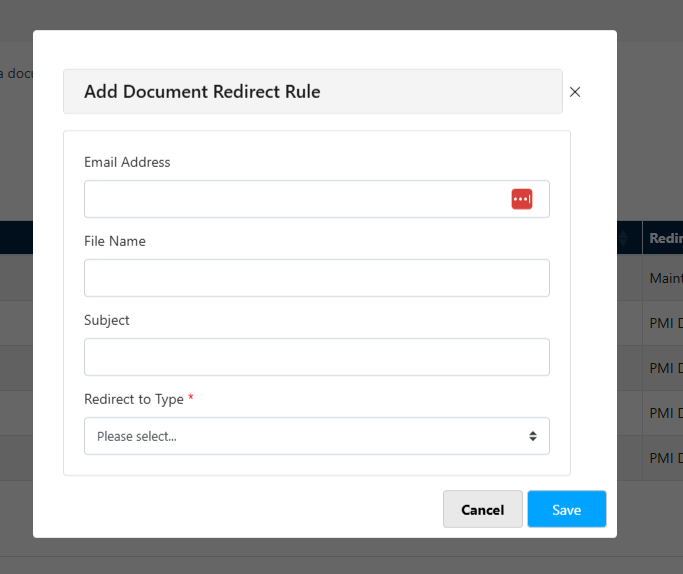
At the bottom of the page, you can enter the email address, filename or subject to add the redirect.
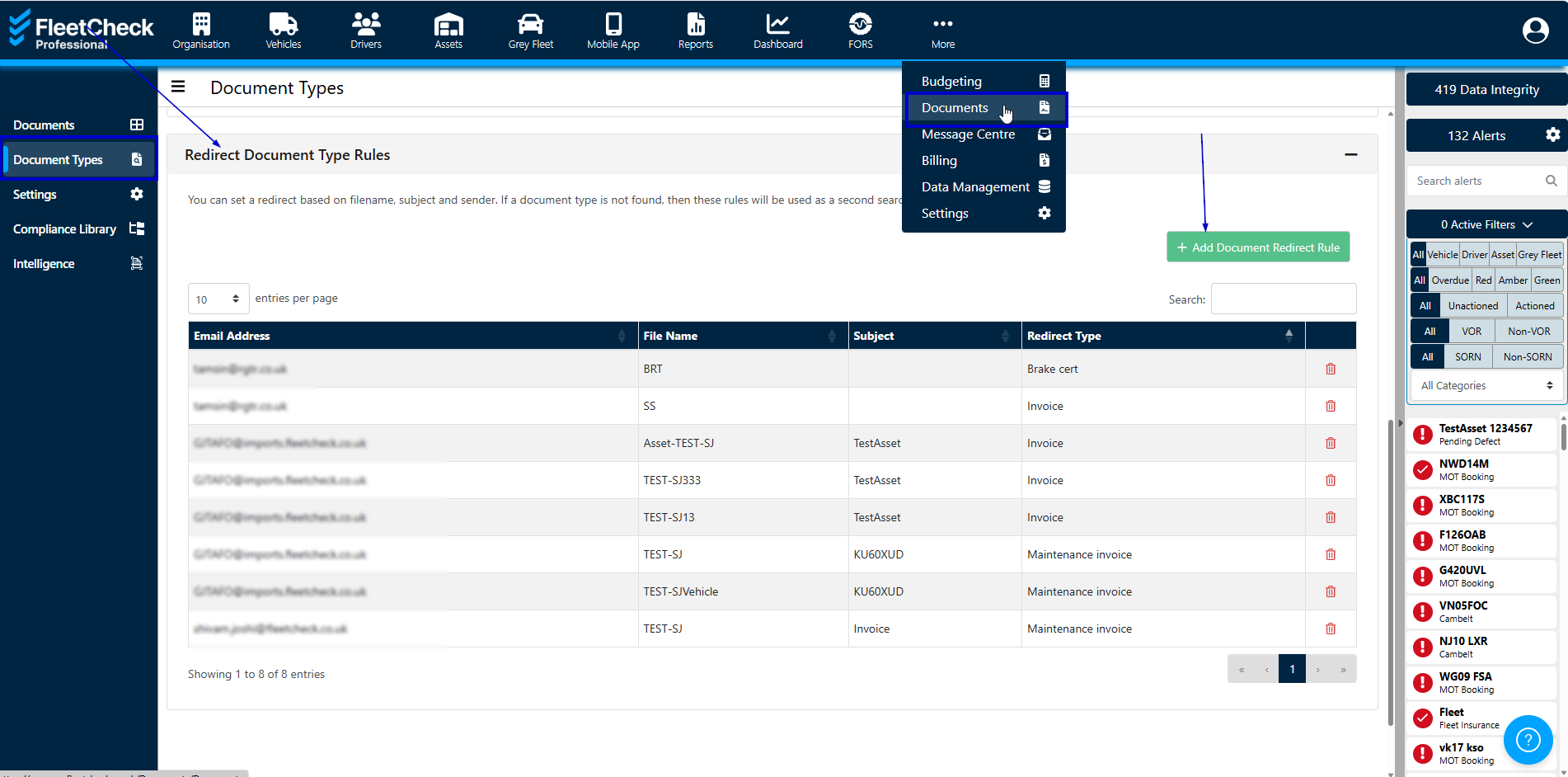
then select the redirect rule for the document - so where the document needs to be allocated in the system
The document will then reside within the document area on the software.