Once a defect has been added to the vehicle and you have sent the vehicle to be repaired, you can complete the defect on the system to reflect this - the alert will remain in the alert centre until the defect is completed.
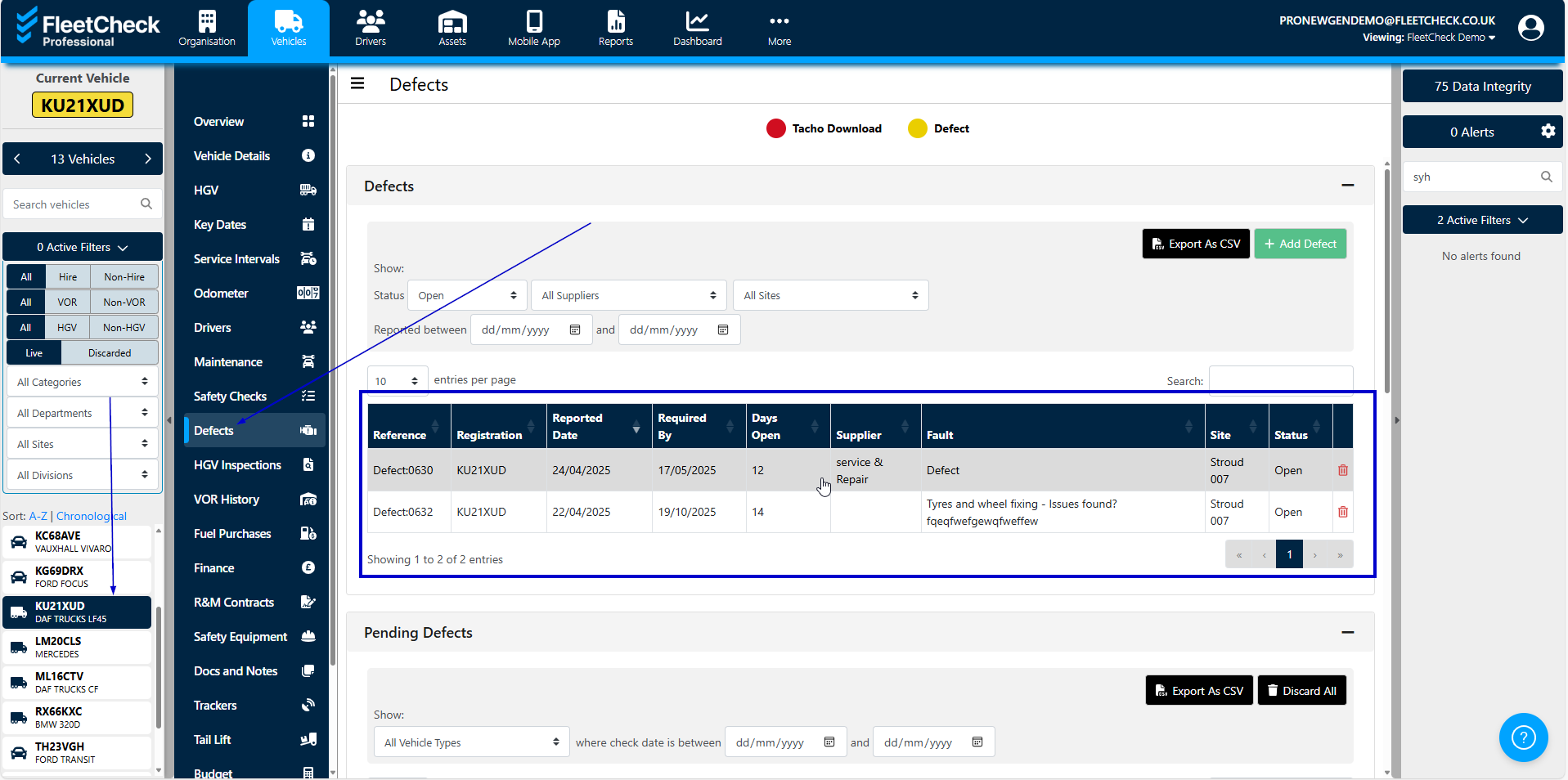
You can complete the defect by going to the ‘Defects’ tab inside the vehicle's profile. Select the relevant defect and you will be able to enter notes, supplier and action taken.
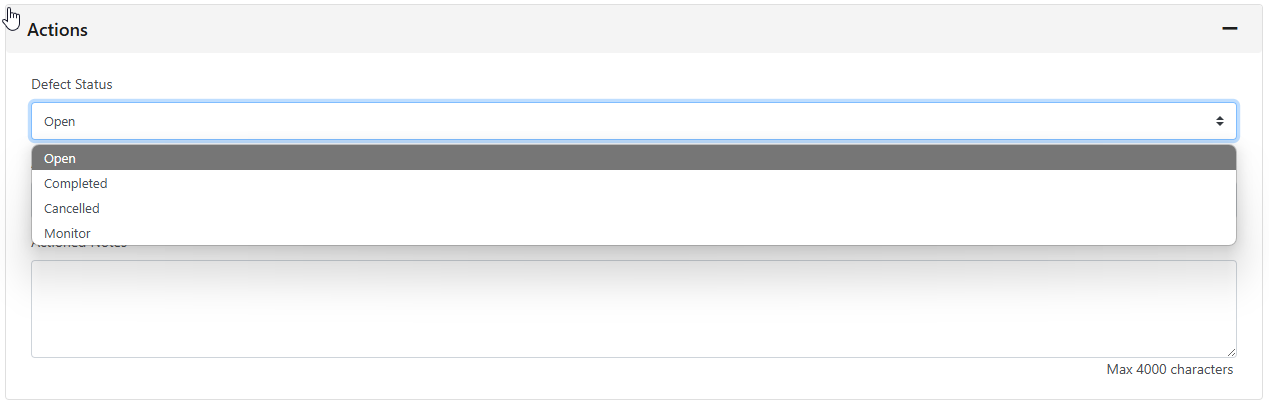
When the defect is ready to be completed, simply change the defect status to completed from the drop-down list and click 'Save'.