You might notice on the top menu bar within the More dropdown you have a Billing button available to you.
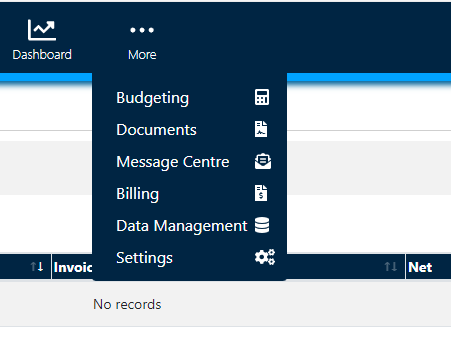
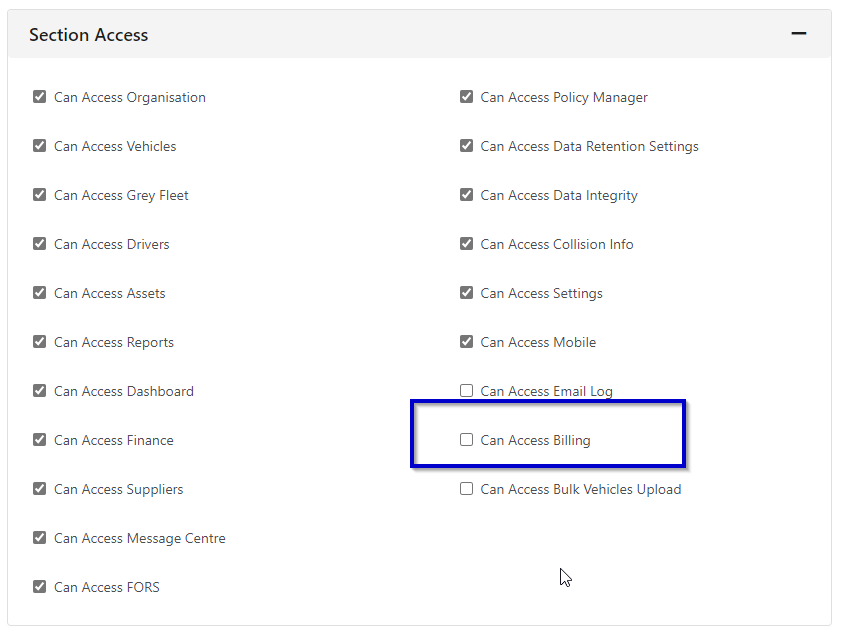
This is due to the fact that your user permissions have been ticked to allow you to 'Access Billing'. If you are unable to access this area, I would suggest you or your manager have a look at your user permissions within the Staff area and ensure this is ticked.
Upon Accessing the billing area, you will notice you have entered the Accounts Details section of the system.
Here you will be greeted with Invoices, Credit Notes and Settings.
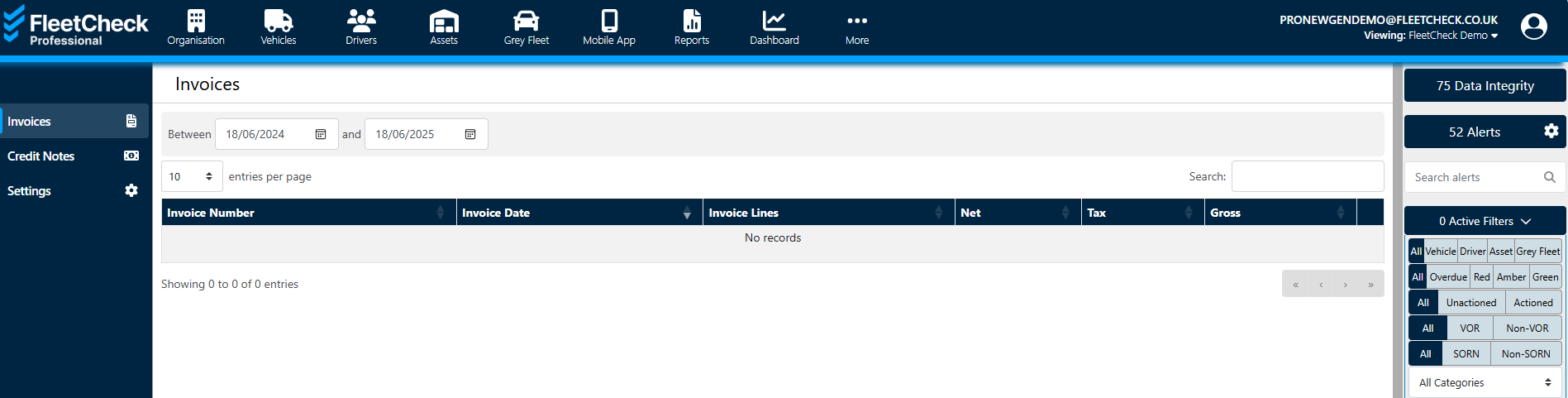
Invoices will allow you to view the Invoices we have sent you. By selecting on the invoice in question, download and print should you need to. This is the same for Credit Notes.
Within the Settings area, you are able to update your settings for billing. This is where you can change your accounts contact details etc - who received the invoices within your company
