On FleetCheck - you are able to create a checklist specific for your drivers that Leaving the company.
The checklist is essentially a list of items or tasks created to ensure that nothing is overlooked or forgotten.
To enable the Leavers area on the software - go into 'More' then 'Settings' on the top and then 'Drivers' on the secondary Menu
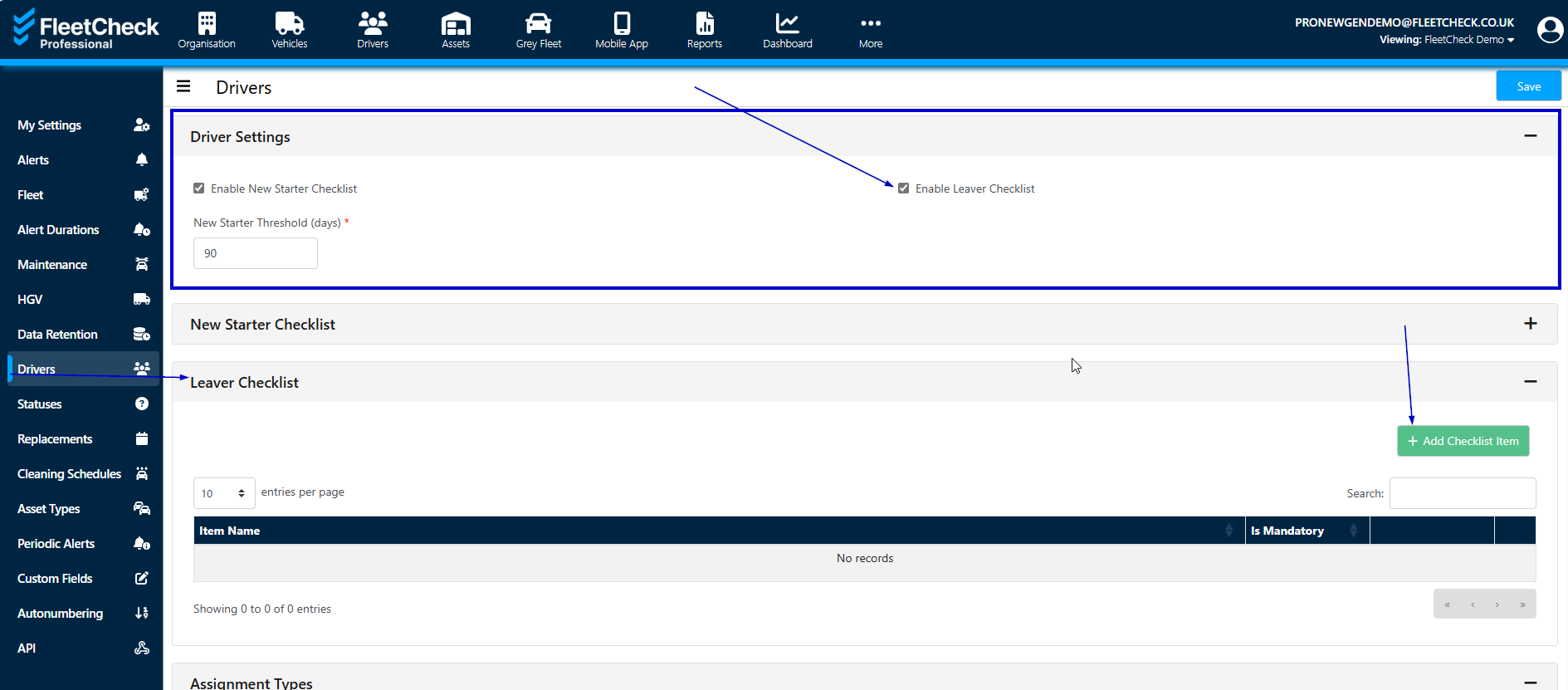
Once enabled you will see that you can create a Leavers Checklist and declare if they are Mandatory or not

Once the Leavers area is enabled you will now have a Leavers area on the left hand side menu.
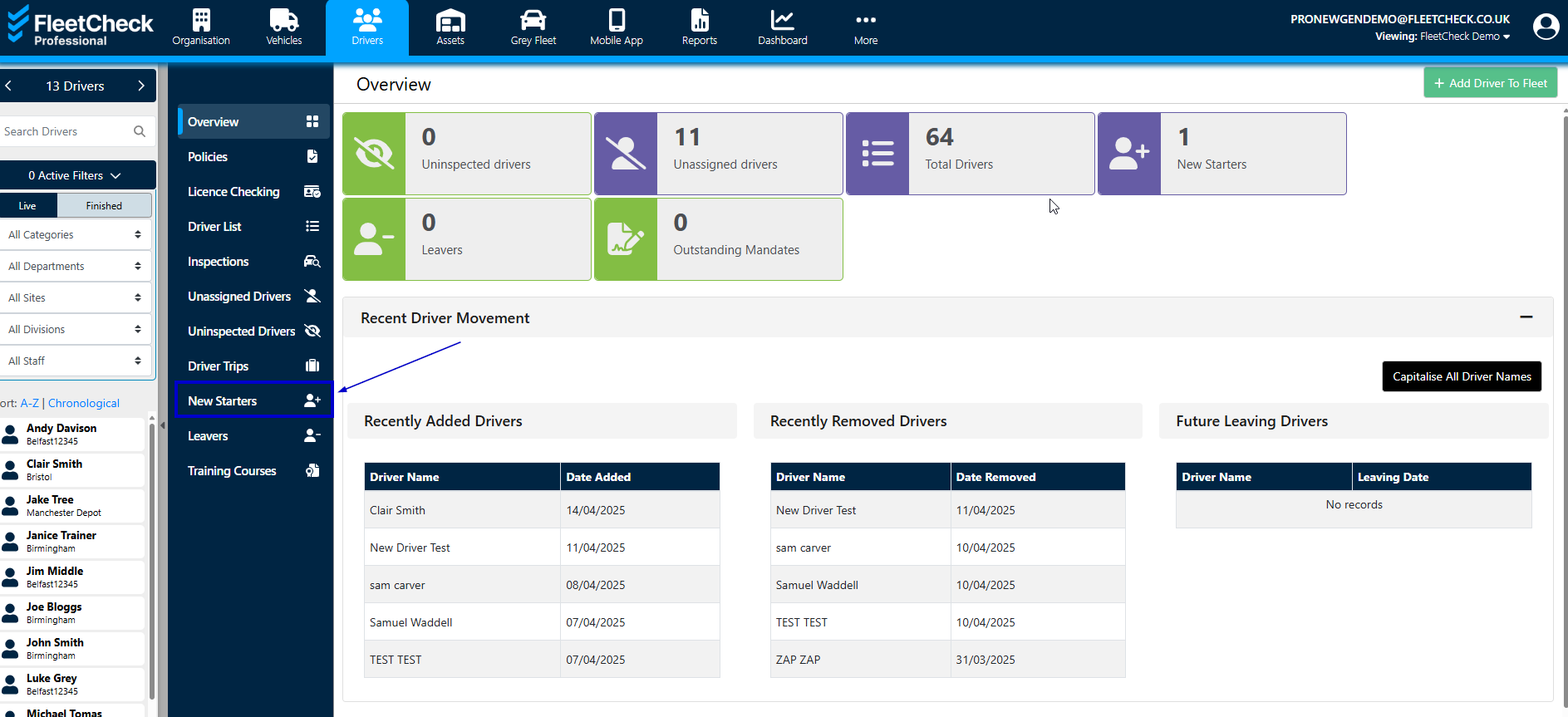
Ensuring your drivers has a finish date in the system, it is within here that you can see your Driver and the status of the Checklist -
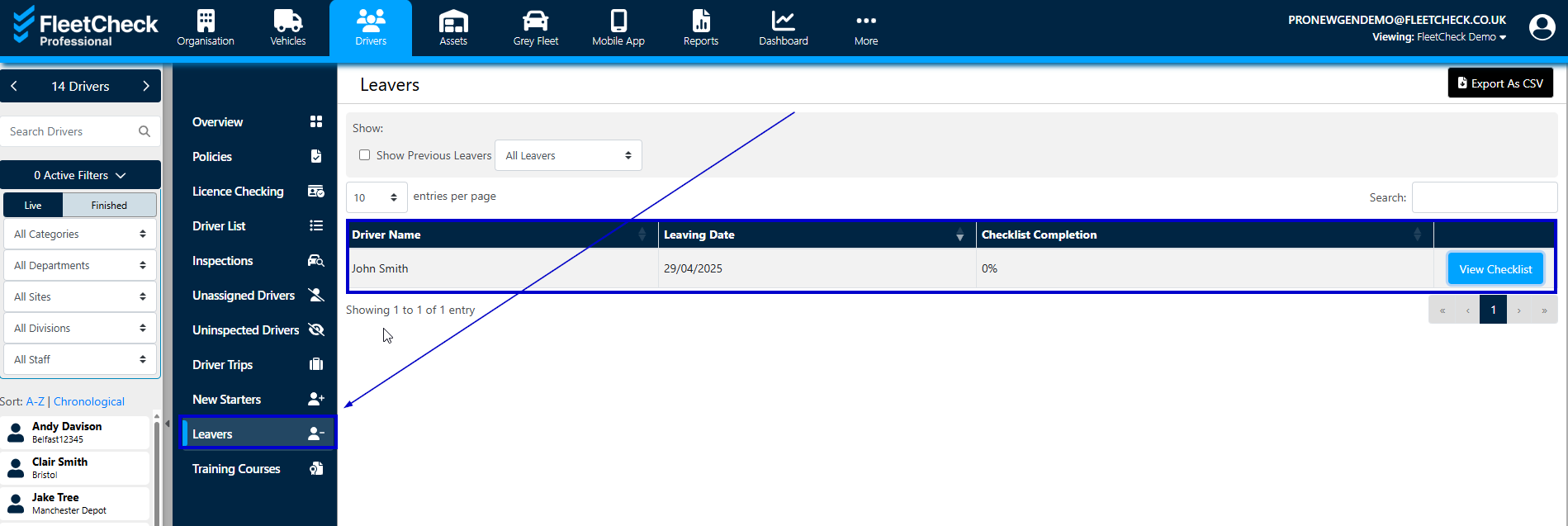
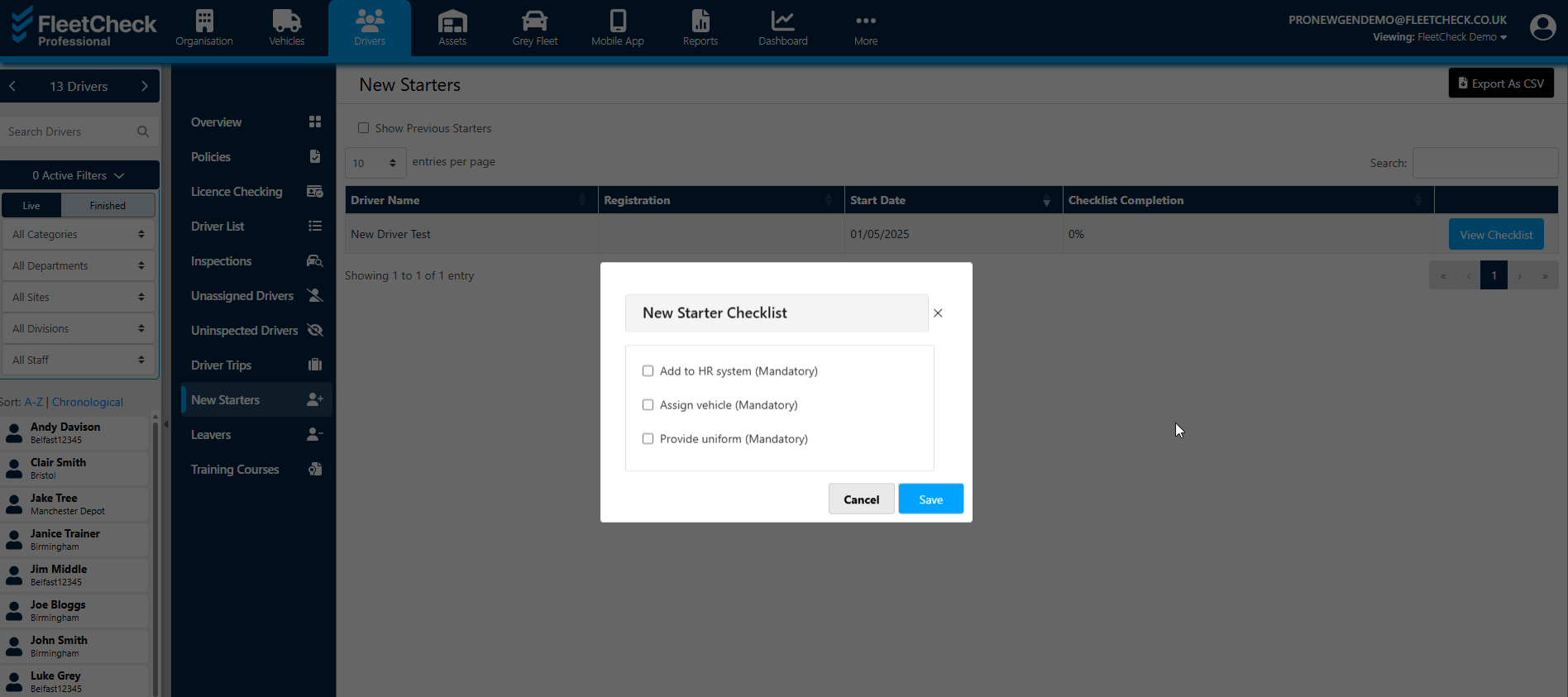
When you have started to complete the areas of the checklist you will see the status change
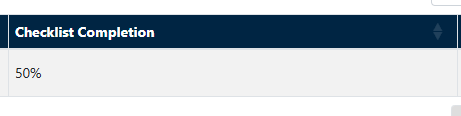
This area now gives you piece of mind through the using this tool to organise and track the progress of the Drivers leaving journey, leaving you confident that your leavers are completing their journey with your company as required by your management team.