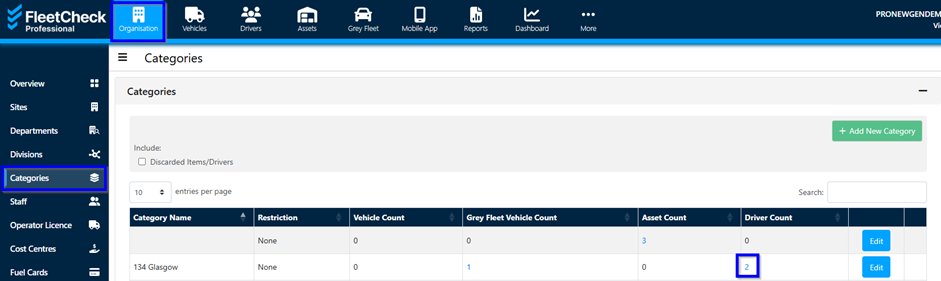
The Categories tool is a brilliant way of segmenting your fleet into useful and specific groups to enable easy viewing and more efficient management.
Assigning a vehicle to a category:
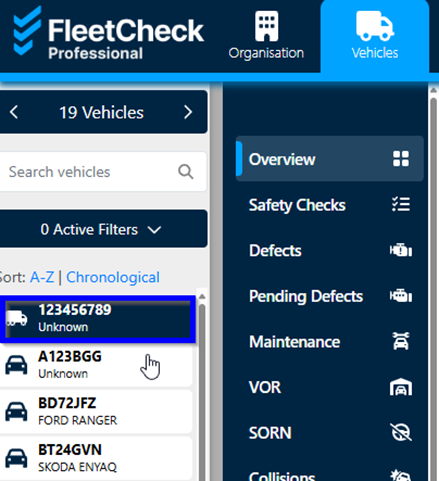
To link a category to a vehicle, click the ‘Vehicles’ tab at the top and then select the required vehicle on the left.
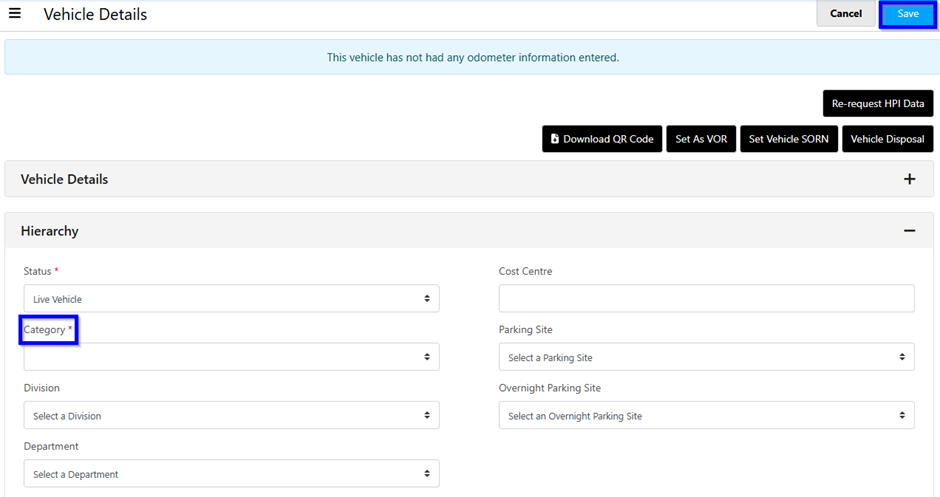
This will take you to where you can edit the vehicle’s details as well as it’s category under the ‘Hierarchy’ section.
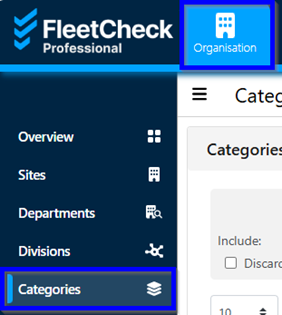
Once saved you can see all the vehicles assigned to a category on the organisation tab and then ‘categories’ on the left.
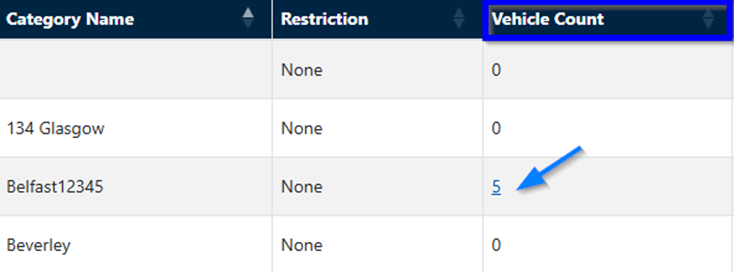
Assigning a Driver to a category:
On the ‘Drivers’ tab click on the ‘Driver List’ on the left and click on or search for the specific driver.
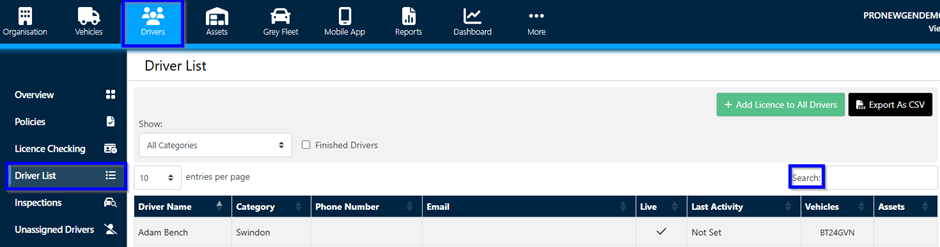
Once you have clicked on the driver, under the ‘Employment’ section you will find the category drop-down menu.
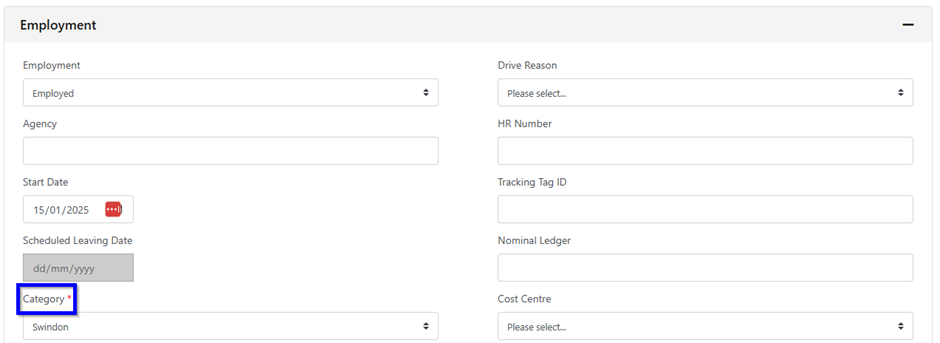
Once you press ‘Save’ you can again find the Drivers assigned to a category under the ‘Organisation’ tab and then by clicking on the left ‘Categories’ tab.