To amend the user permissions on an existing user, you need to access the Account area and set up their new permissions which you can find in the top right corner of the screen.

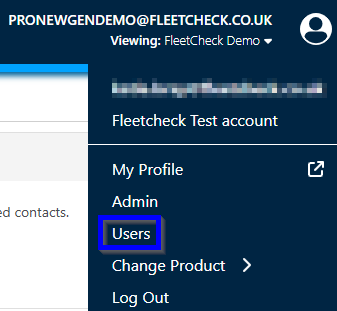
Then find your required user in the list and click on to their username.

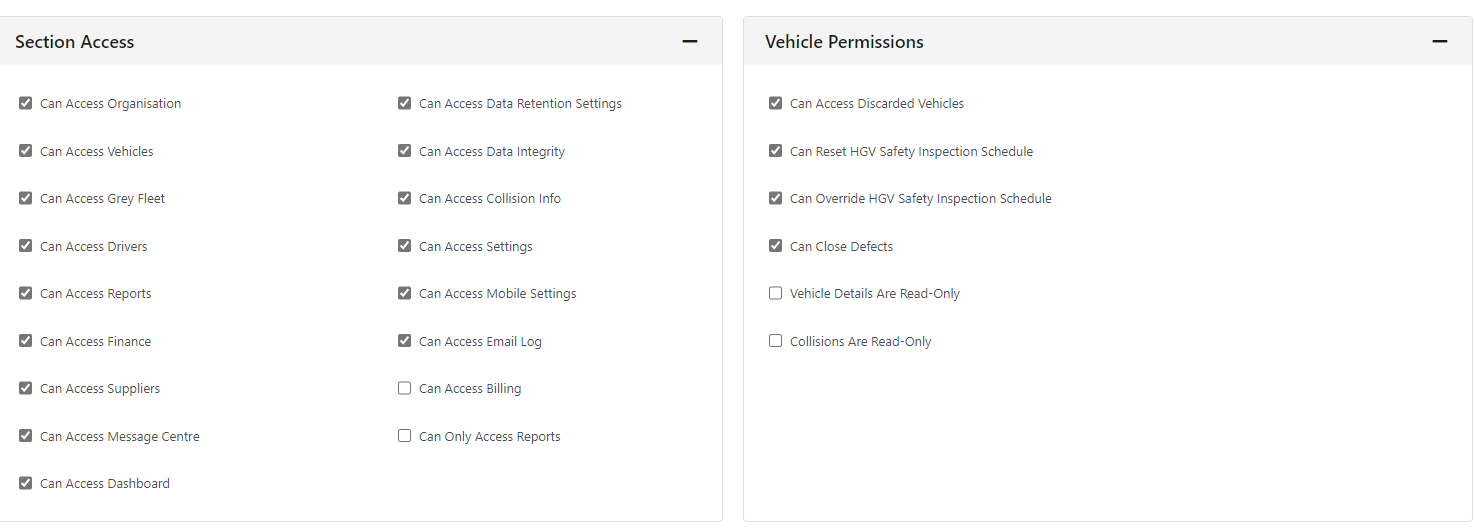
this will then open up the area to apply the Users access and the Vehicle Permissions
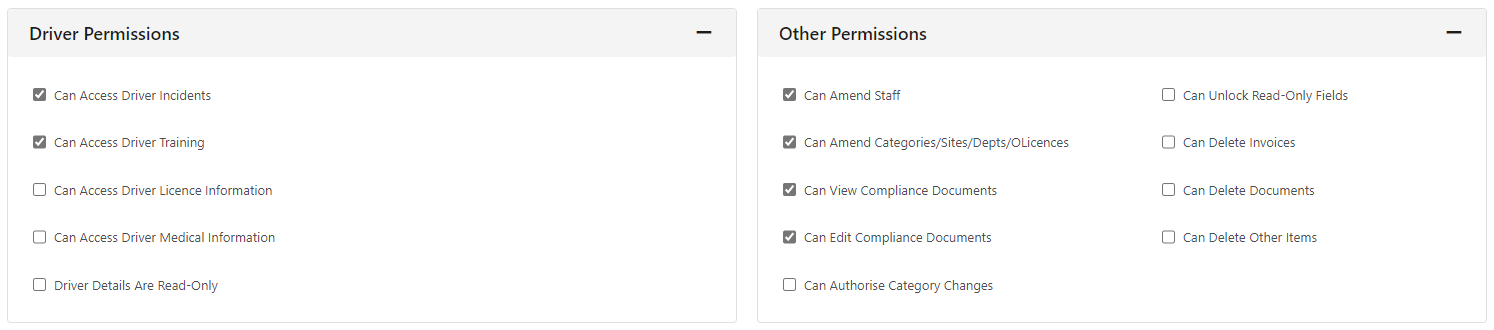
Driver visibility and other permissions
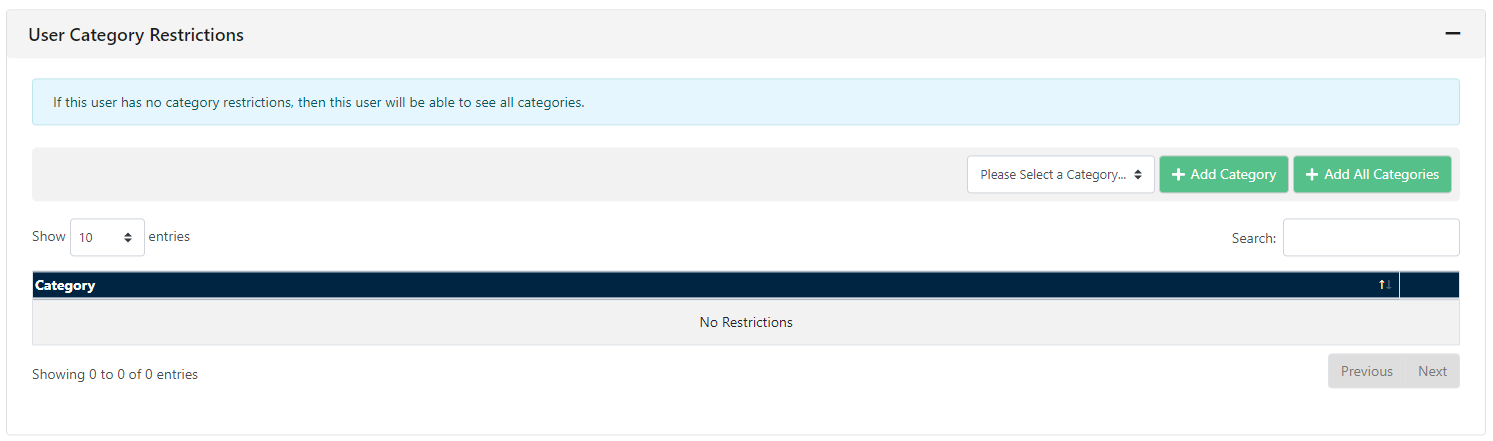
User Category Restrictions
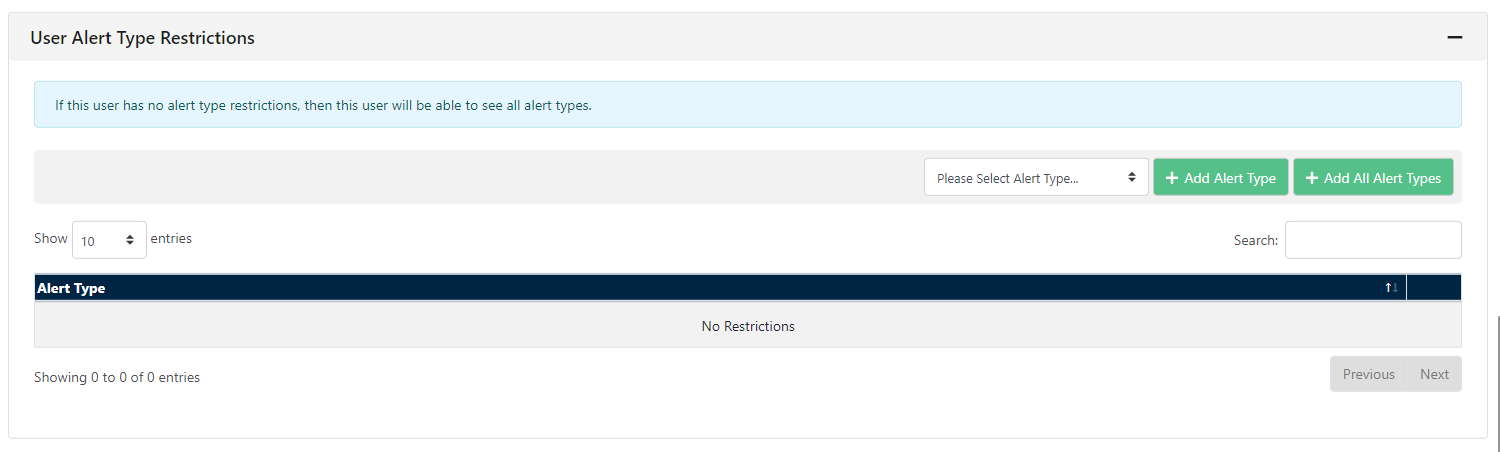
and User Alert Type Restrictions
Ensure to press save in the top right once the User Permissions are correct
