Following a maintenance booking, you may want to add a maintenance invoice to allow you to report on maintenance costings.
To add a maintenance invoice, select the asset from the ‘Assets’ section on the horizontal bar and then select the ‘Maintenance’ tab on the left hand side.
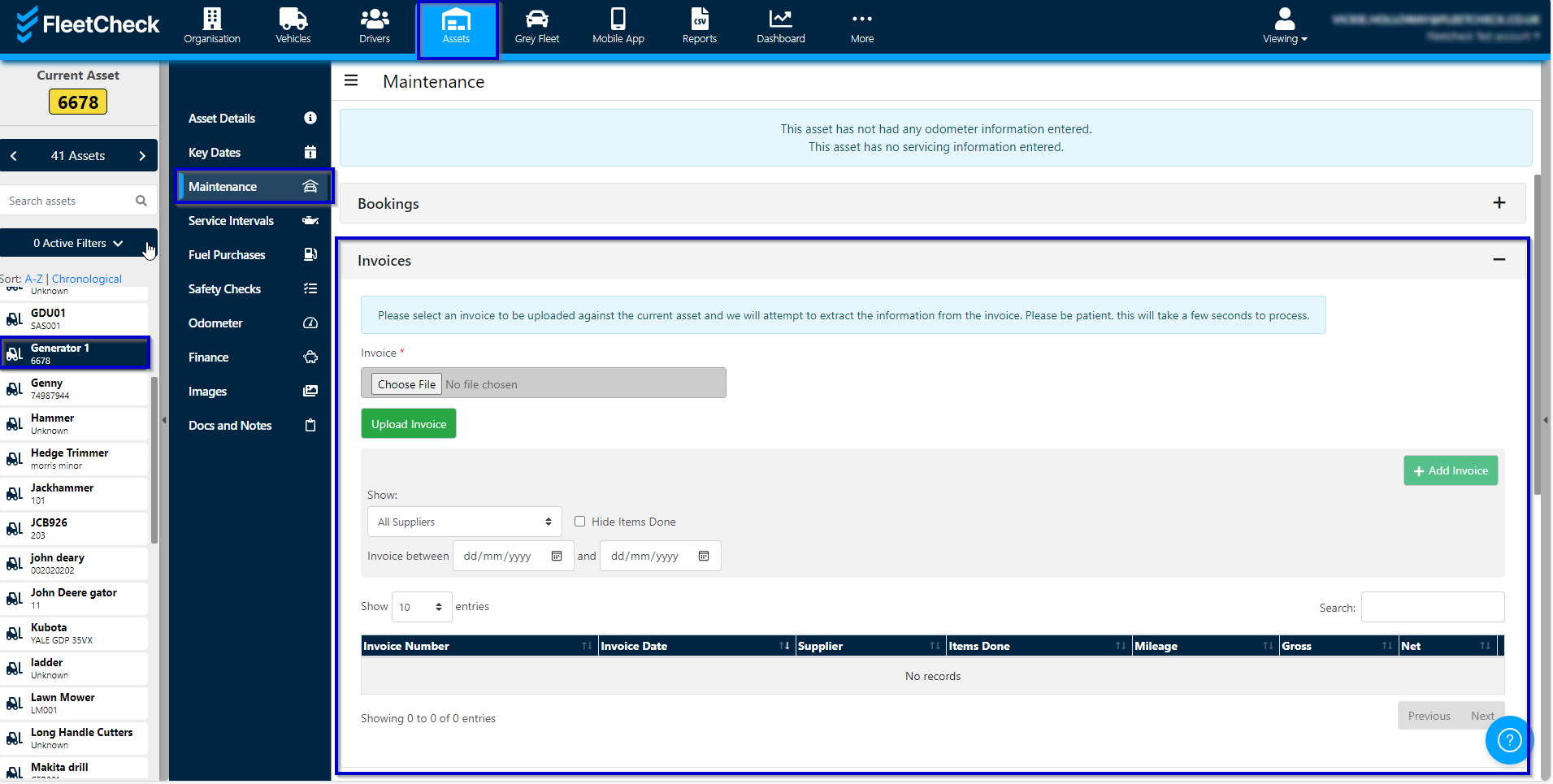
Should your invoice contain the following words
- Service
- PATTest
- Tyres
The system will clear alerts or alter the information held on your vehicle.
Once you have entered the invoice details, click the ‘Save’ button.
It's important to note that this Document Intelligence feature is only available to those clients on the FleetCheck Professional package.