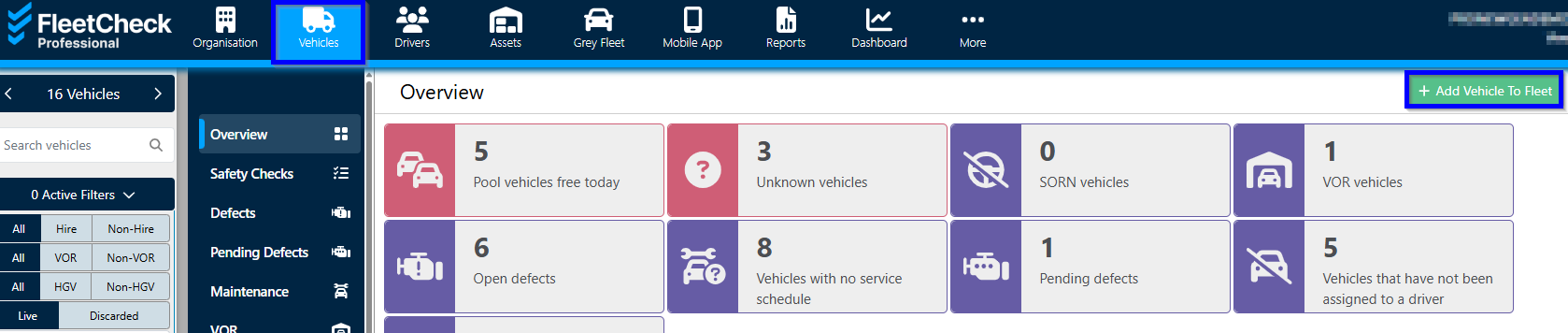
You can add a hire vehicle to your fleet like any other vehicle via the 'Vehicles' page from the main menu and clicking the "+Add Vehicle To Fleet" button.
The next page will ask for a vehicle type selection from a drop-down list, and then for the registration of the vehicle.

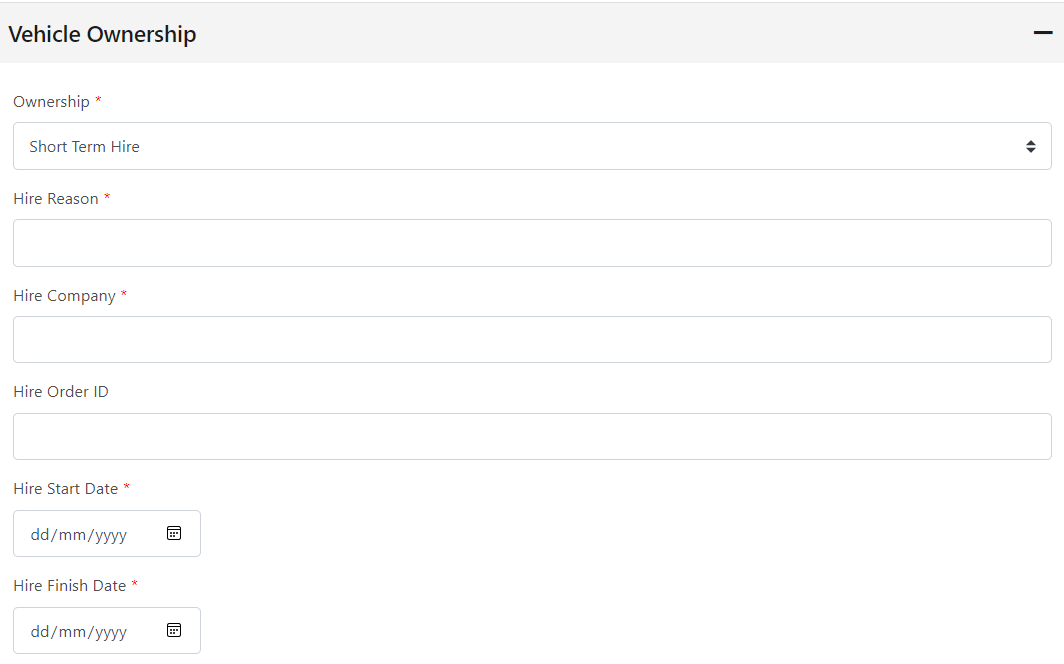
The following step will be to add the vehicle information in the drop-down fields - for light vehicles the information can be auto-populated from the DVLA database by clicking the "Get Vehicle Details" button. You can add the vehicle as a hire vehicle by selecting the hire options in the vehicle ownership section, and adding the required data.
 Once all the required information has been entered simply click the "Save" button to add the vehicle to your fleet.
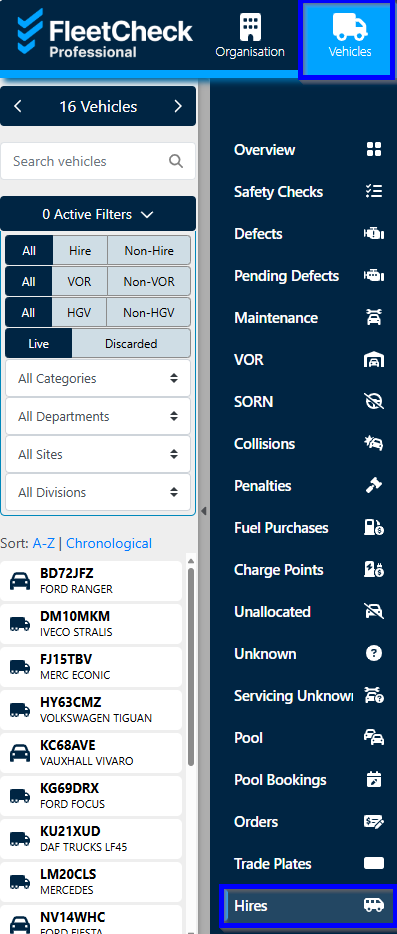
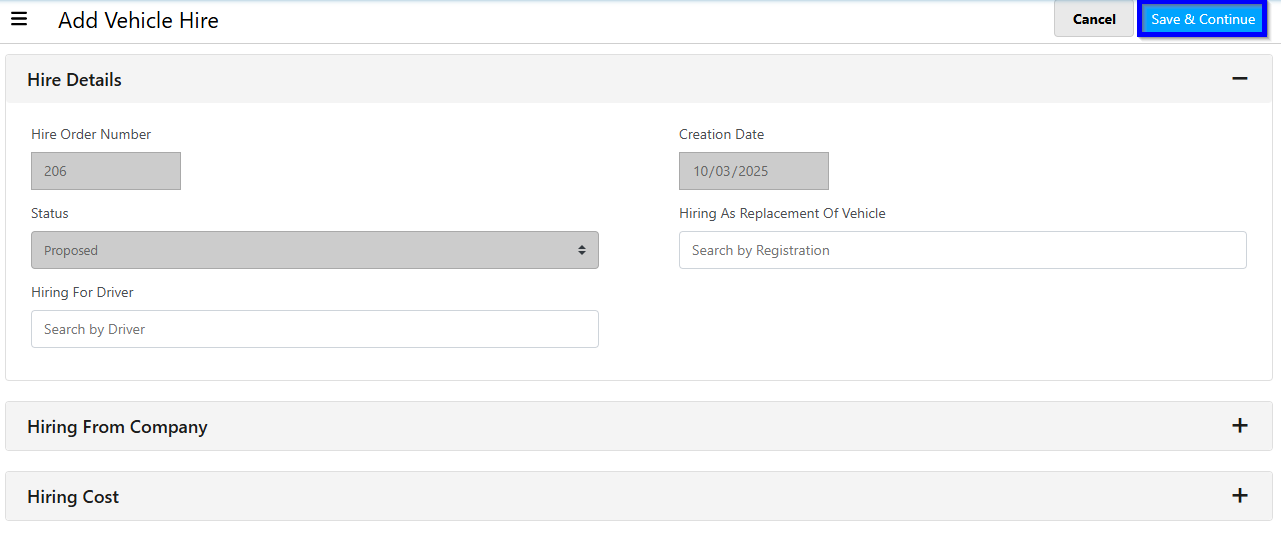
Alternatively you can add hire vehicles in the 'Hires' tab under the main 'Vehicles' tab