The Categories tool is a brilliant way of segmenting your fleet or drivers into useful and specific groups for improved managing and reporting. Typically, you would use the categories to identify which depot a vehicle/driver/asset belongs too.
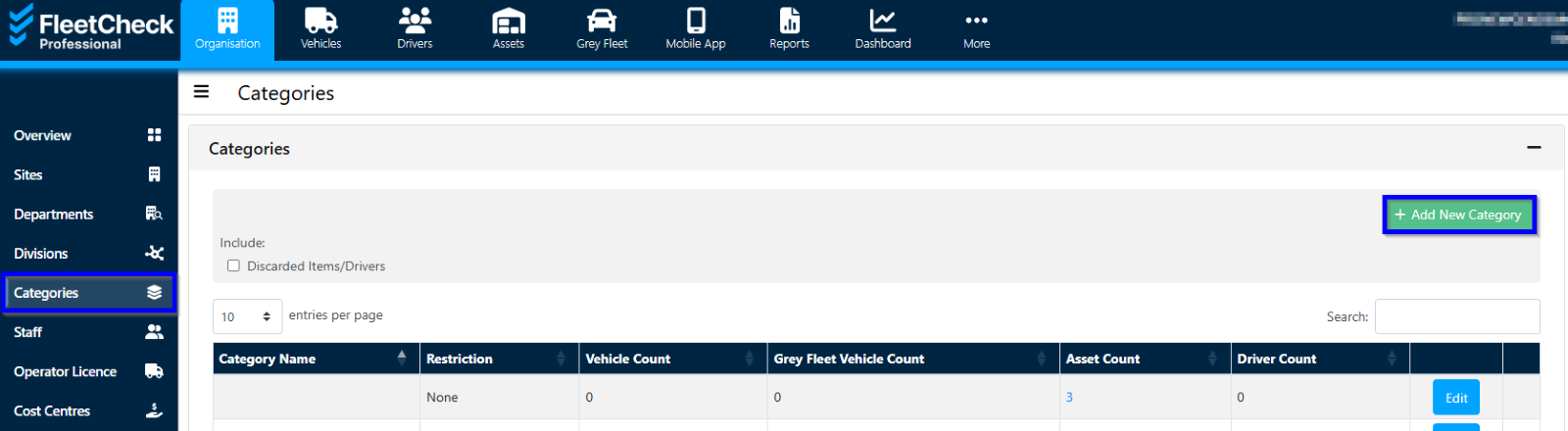
To add a new category click on the ‘Categories’ tab and click ‘Add New Category’.

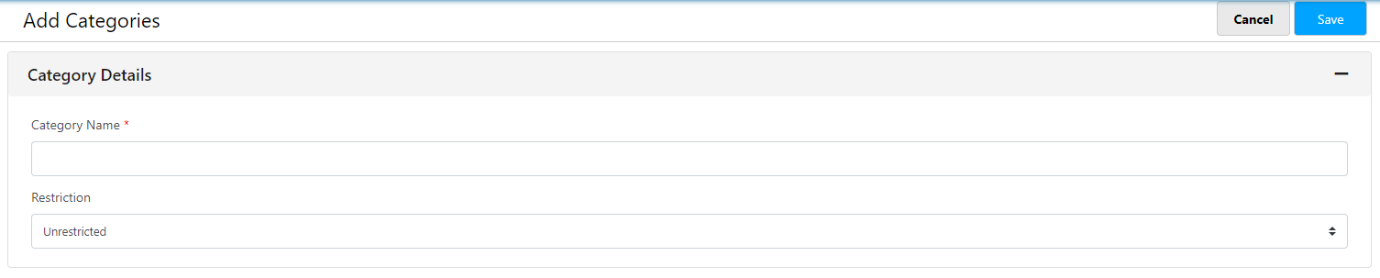
You can then name the Category and set any restrictions relating to vehicles, drivers or assets.
All created categories are listed in the 'Categories' page as well as being displayed on any categorised vehicles, drivers or assets.
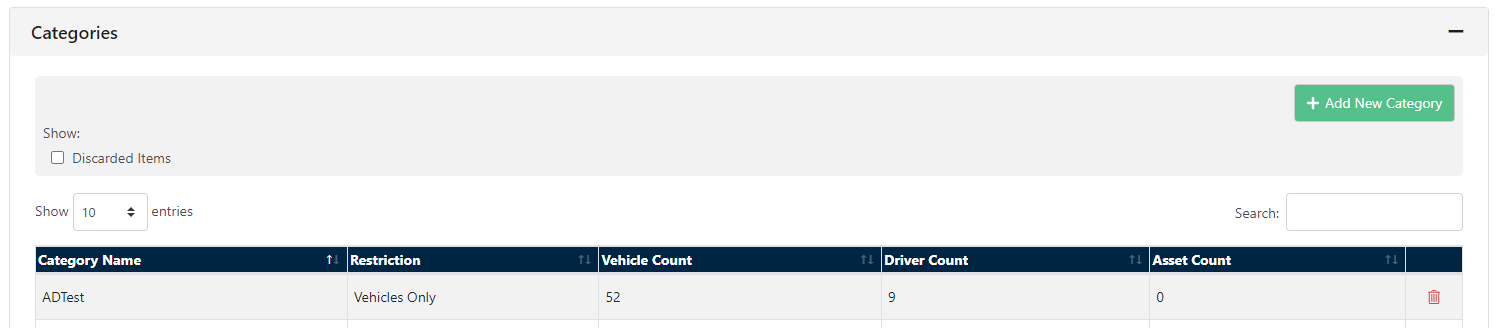
Once the categories have been set up they are visible under the categories tab but also against the individual driver or vehicle.