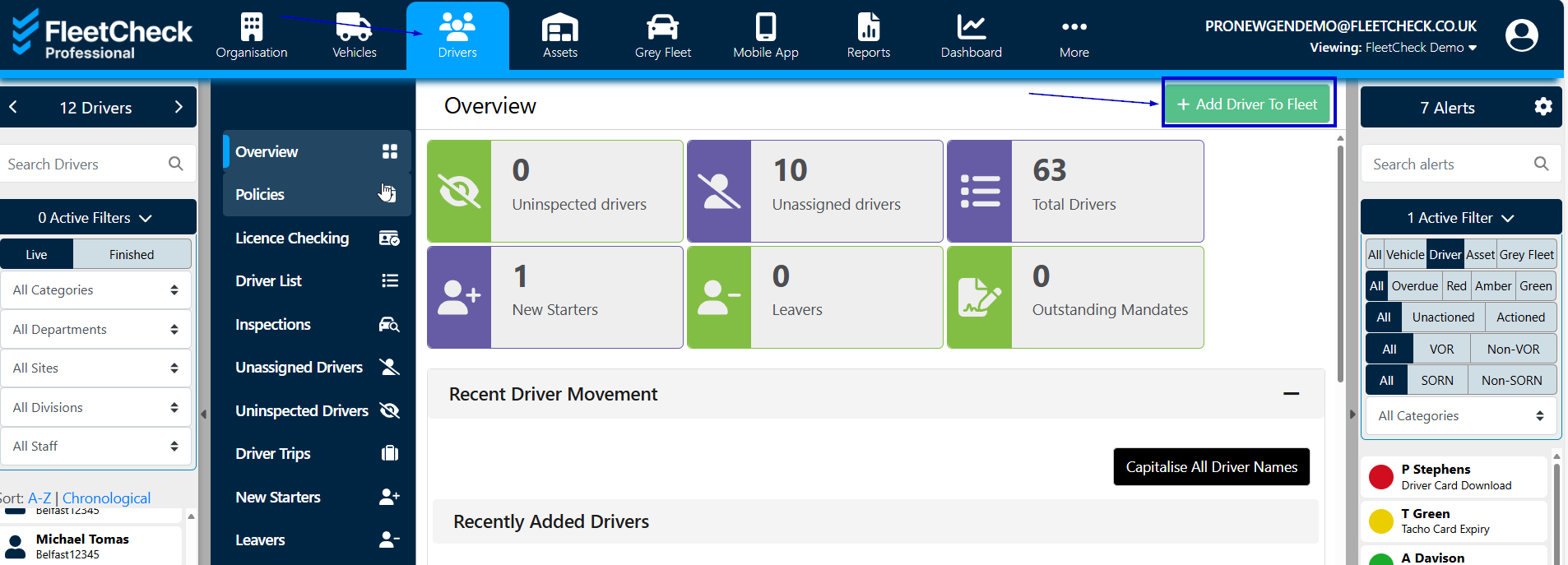
You can add a driver to your team by selecting the 'Drivers' page from the main menu and clicking the "Add Driver" button.
You will then need to fill in their details - required fields are marked with a "*" (red asterix). A warning message will let you know if any required information is missing.
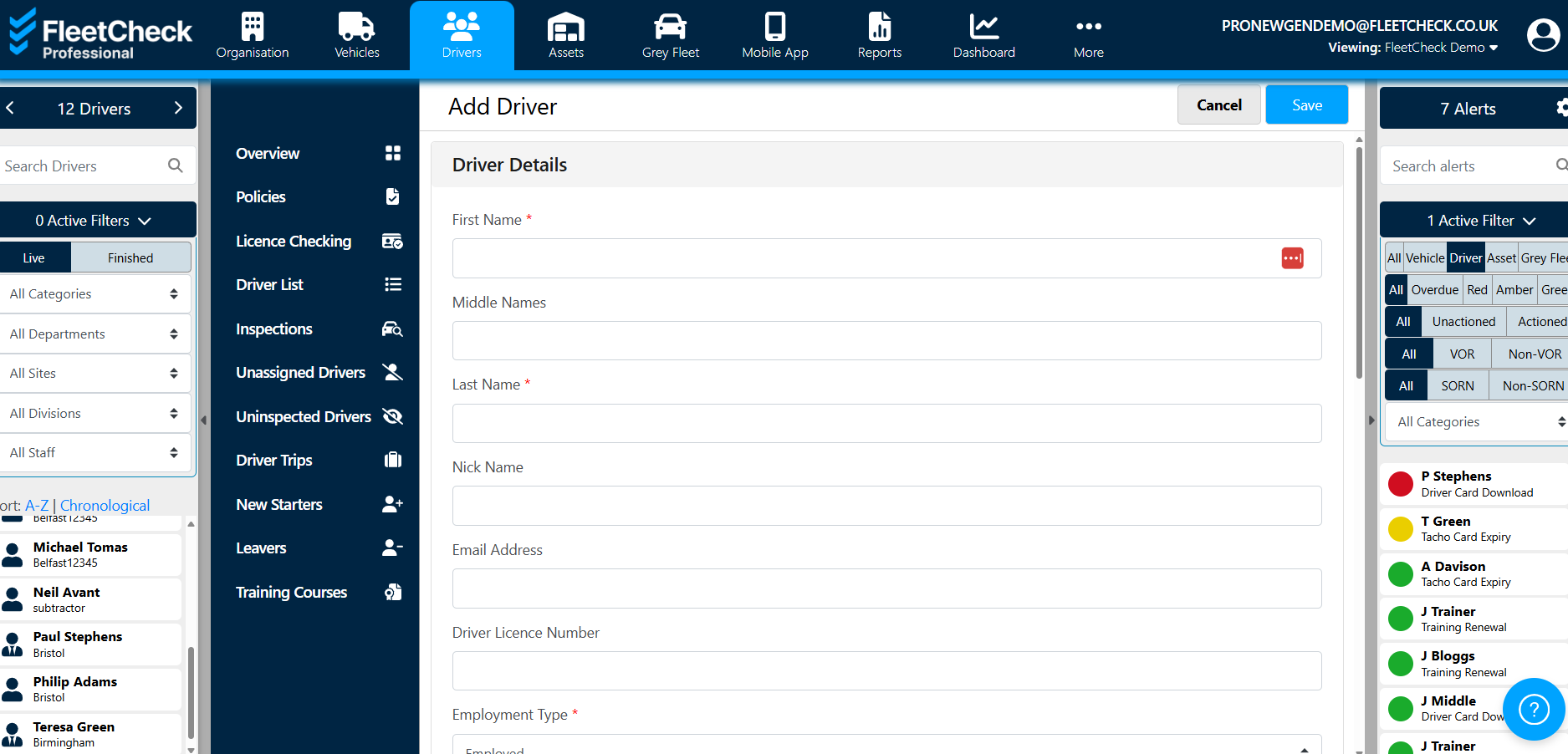
Once all the relevant details have been added the driver can be created by clicking the "Save" button at the top right of the screen.
For your drivers to access the FleetCheck Driver App an email address and/or their mobile number is required. You can add or edit these details in the driver's profile once created.