Defects can be reported against assets via the app as well as manually adding the asset defect to the fleet.
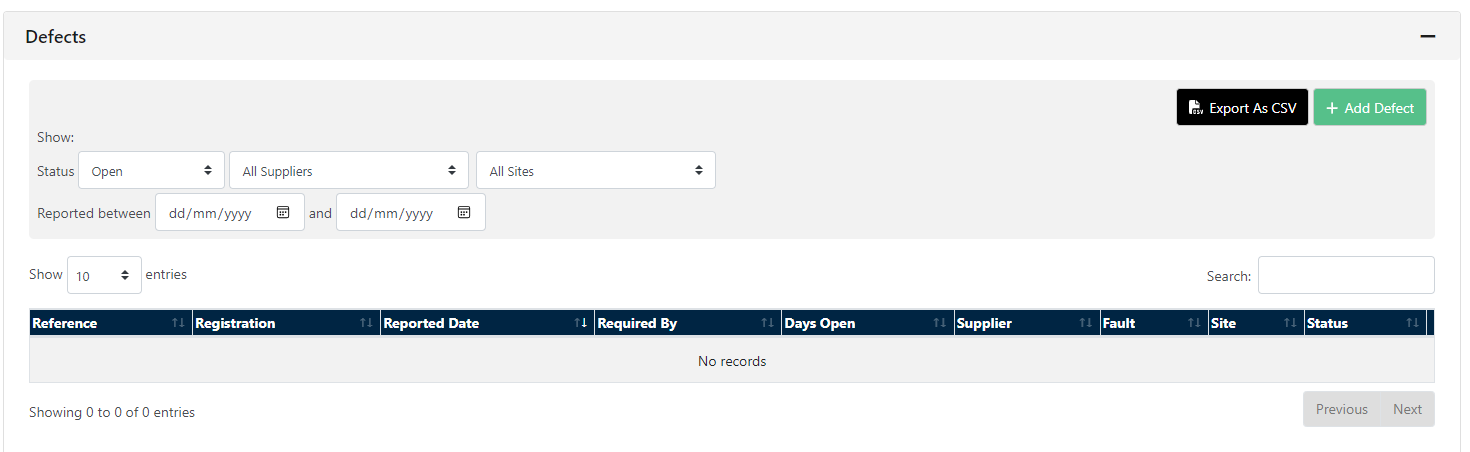
Defects can be viewed within Assets and then Defects - it is here you can view the defect status and filter down between Status Suppliers and Sites
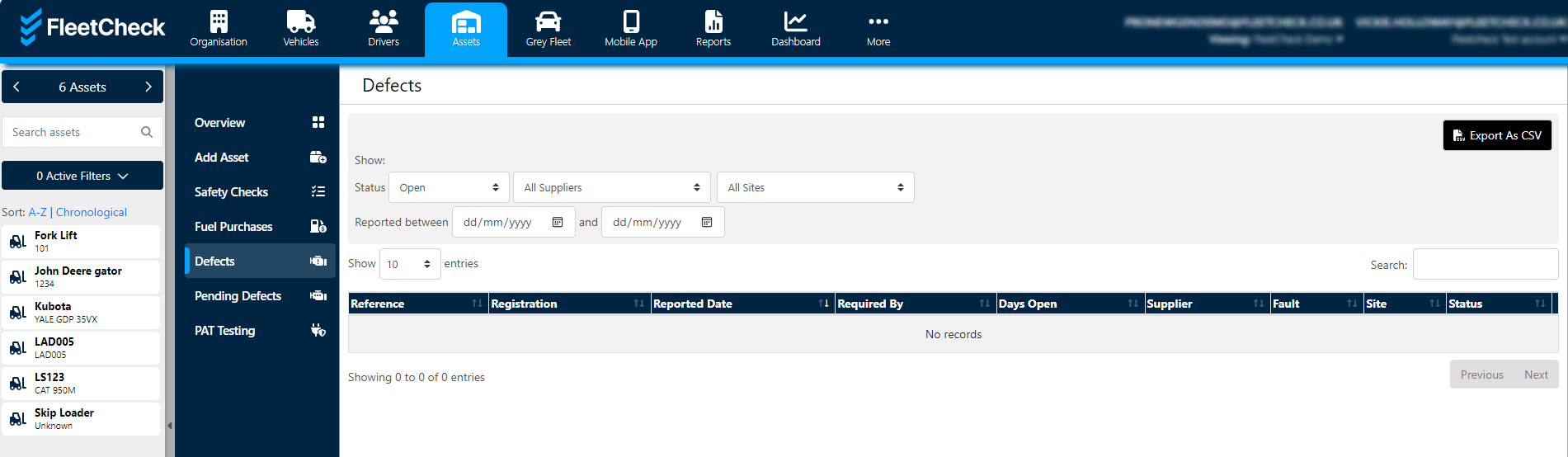
If you would like to manually add a defect, select the asset from the left-hand side and then go to the ‘Defects’ tab.
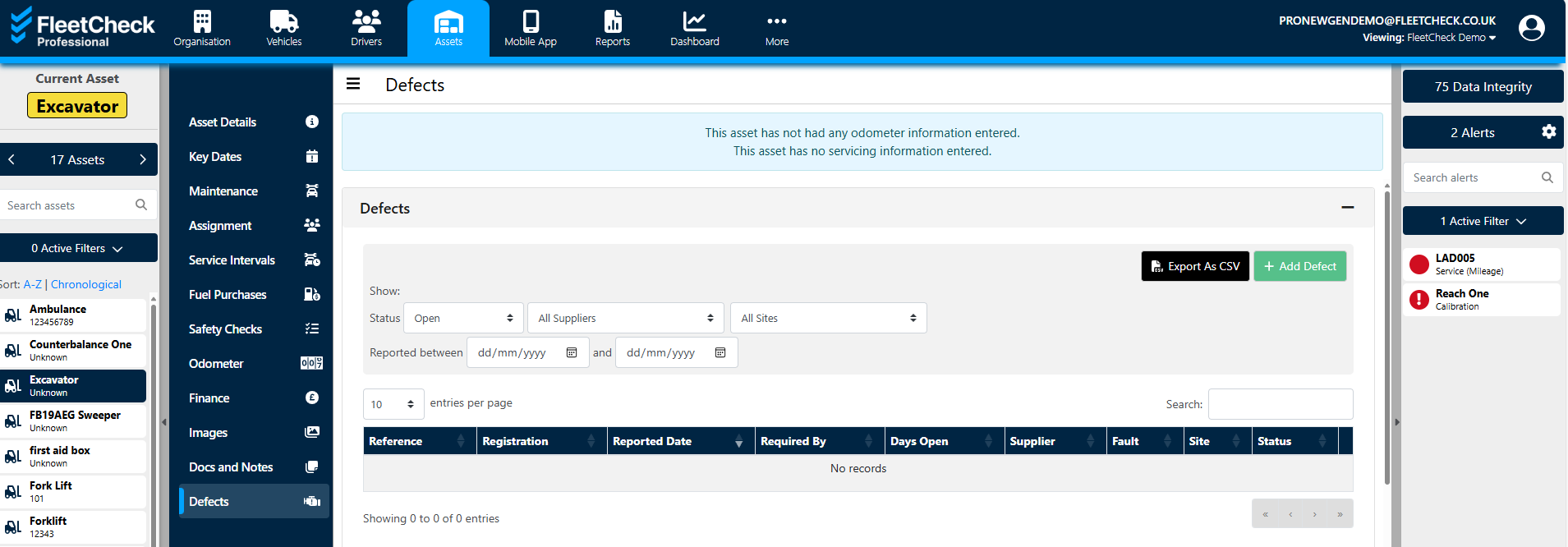
Click the ‘Add Defect’ button at the top of the page and then enter the defect details.
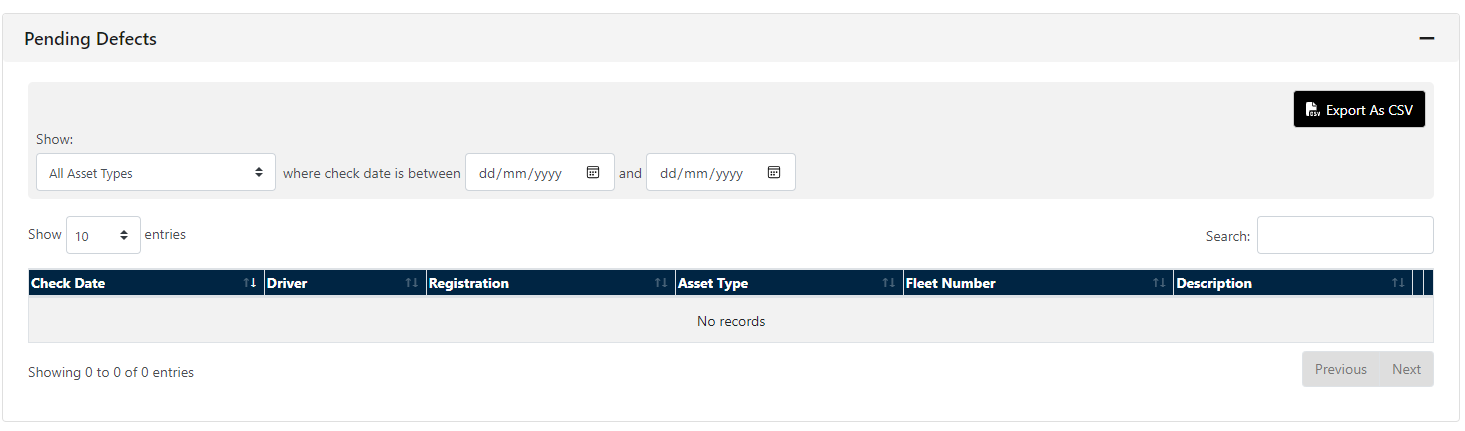
Pending defects are also displayed within this area
The defect will then show at the top of the ‘Defects’ tab where you can mark it as completed later if required.