In FleetCheck you can add fleet contracts and receive reminders for all key dates or renewals - a helpful tool for managing your suppliers and keeping all their details in one place.
Firstly, from the 'Organisation' tab select ‘Contracts/Insurance’ from the left hand menu.
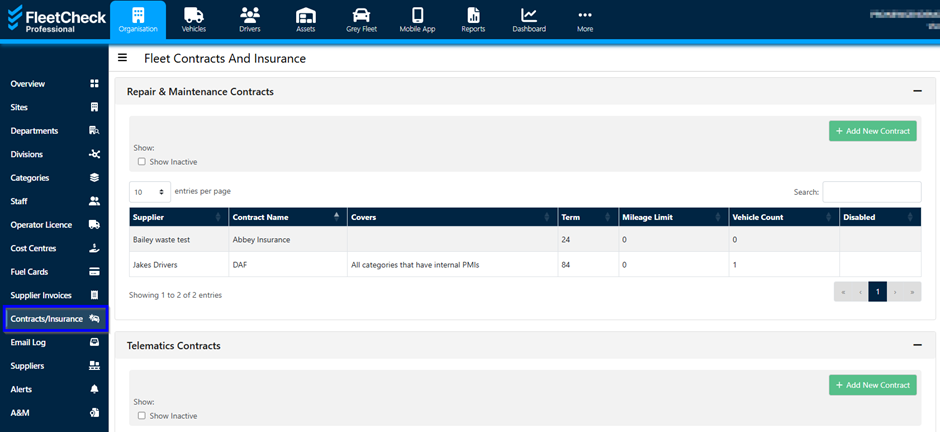
Within this section you can add Repair and Maintenance contracts, Telematics, Insurance and Vehicle Recovery. You can do so by selecting the ‘Add new’ button.
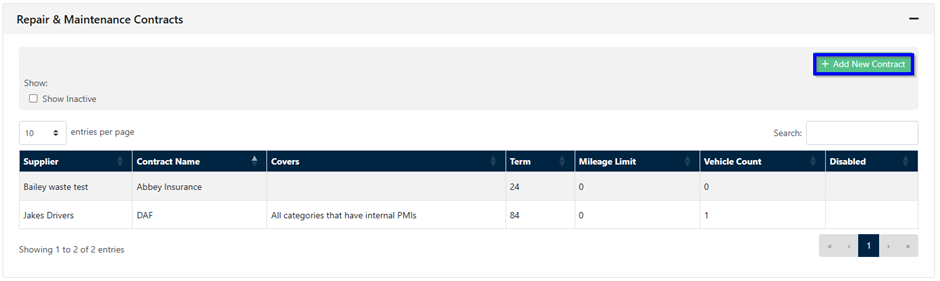
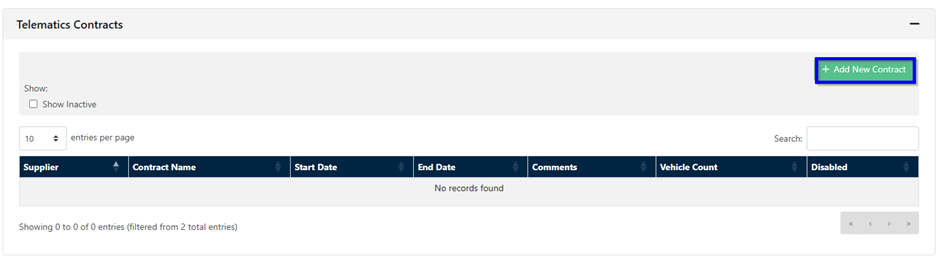
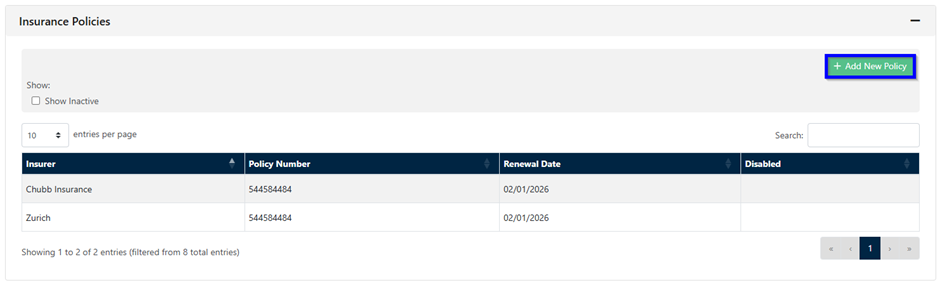
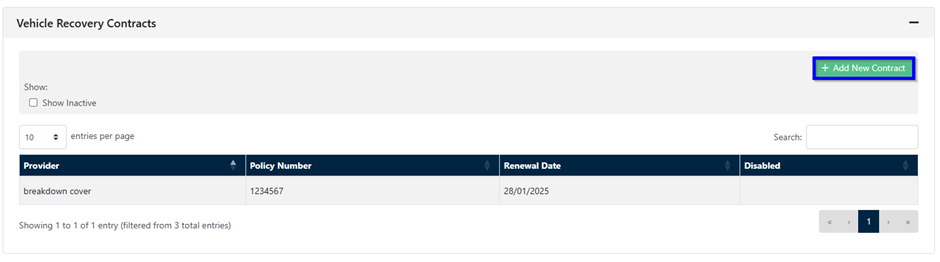
Once you have selected to add a new contract under the relevant header, you can enter the relevant details and then click the ‘Save’ button. For example, the insurer and their contact details as well as a policy number and which vehicles it covers.
The alerts for the contracts will trigger from the Renewal Date added on to the system, therefore allowing you to keep on top of all your key fleet dates and contracts.