"User Managers" can enforce two-factor authentication (2FA) for all users within a FleetCheck account.
It's a simple way to strengthen your organisation's security and protect sensitive data.
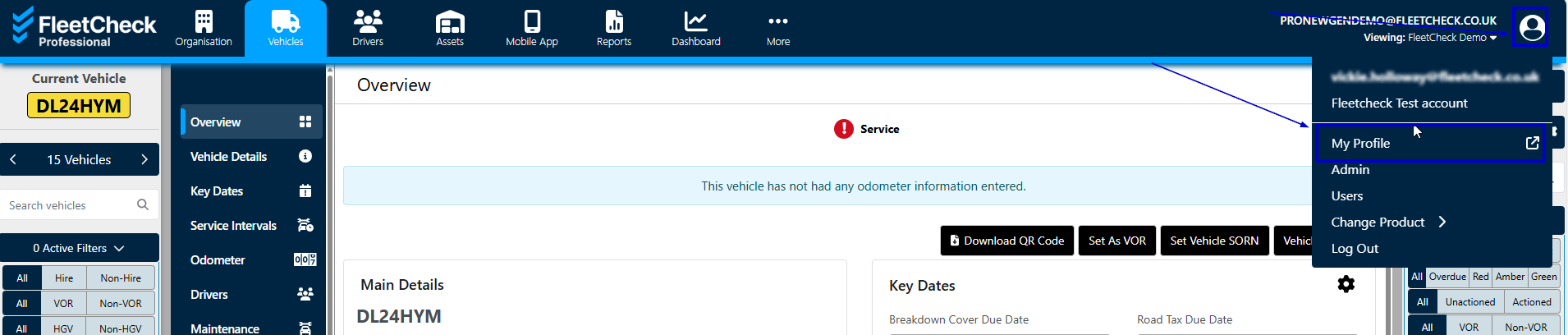
Its super simple to activate - just click the Person icon at the top right of the page and select My Profile -
This will then take you to the Security tab. Here you can choose Enforce 2FA for all users -
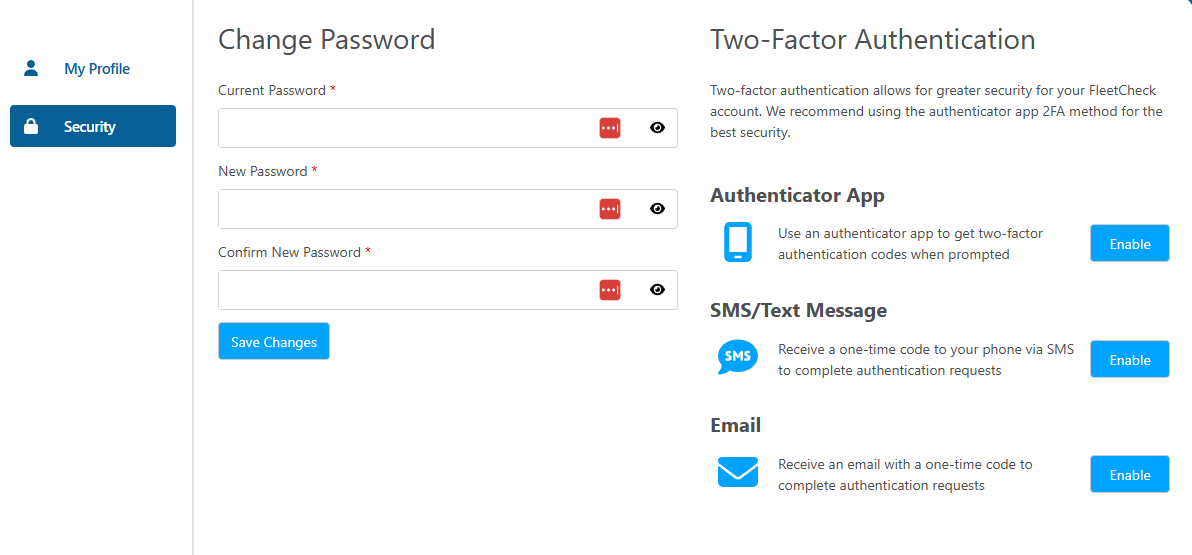
Select the 'enables' that you wish to apply to your account.